Walkthroughs
Walk the product, end to end.
43 steps in the order a real subscription business lives them — install → catalog → a customer subscribes → retain & recover → run & grow — captured from the real, deployed UI, both the merchant admin and the subscriber portal.
Start the walk →Every step is a passing test
Recorded walkthroughOne spec (from the Business Requirements Document, our product spec) produces three things from a single run: the end-to-end test that proves the step, the walkthrough you see here, and the demo. They cannot drift from what shipped — if a step regressed, its test would fail and these stills would never have been captured. This is the user-seat view behind202 of 218 acceptance criteria verified end-to-end.
Stand up the store
A merchant installs, clears the setup checklist, confirms the app is healthy, lights up the storefront, and configures the store — payments, notifications, promotions, dunning, flags.
 1
1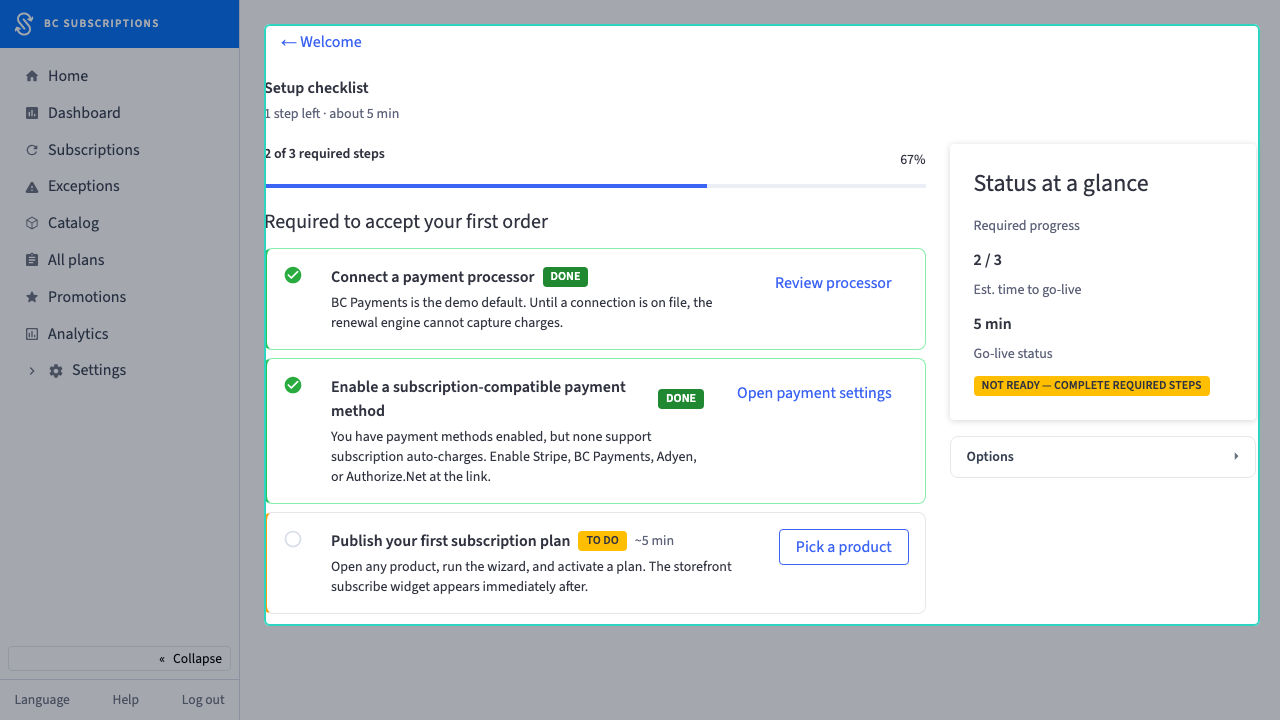 2
2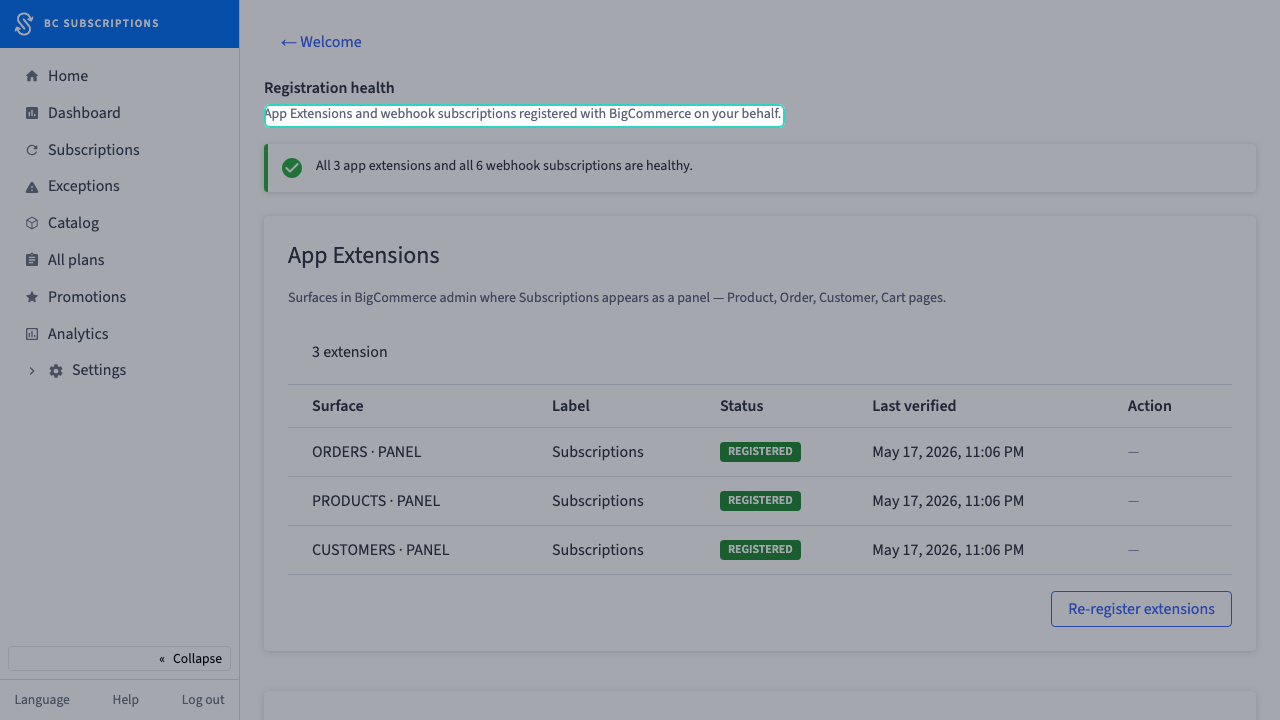 3
3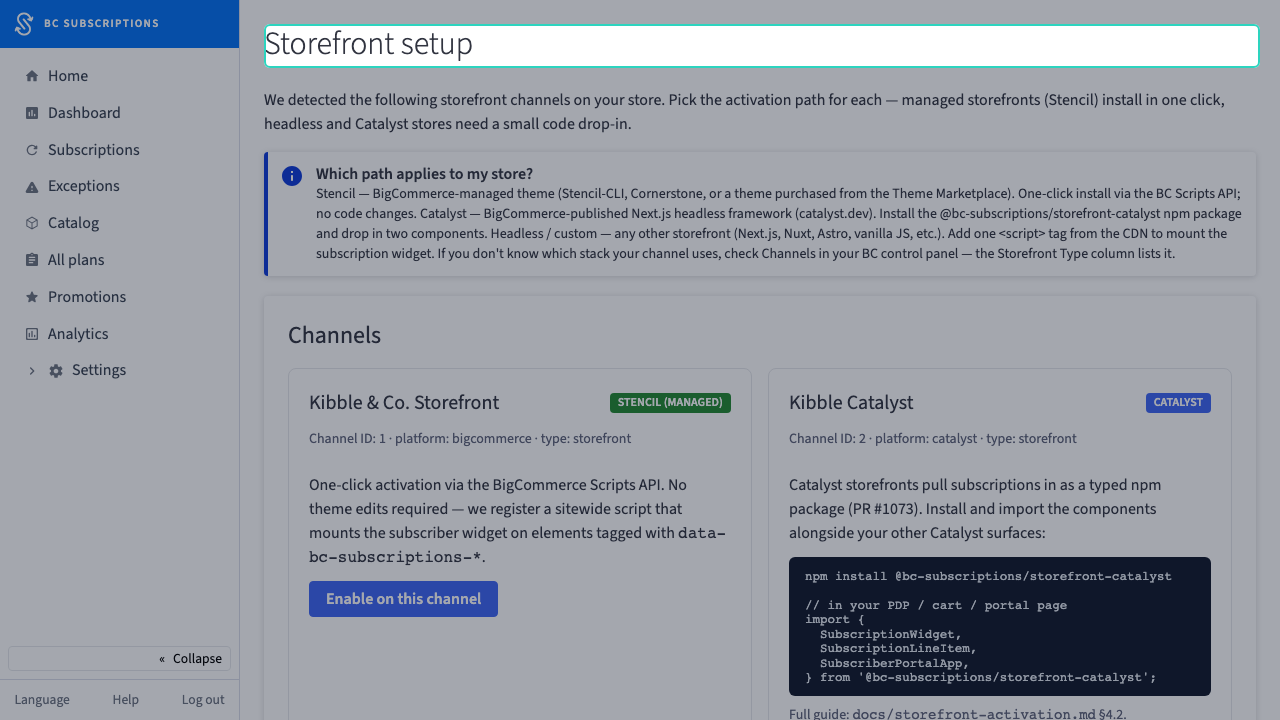 4
4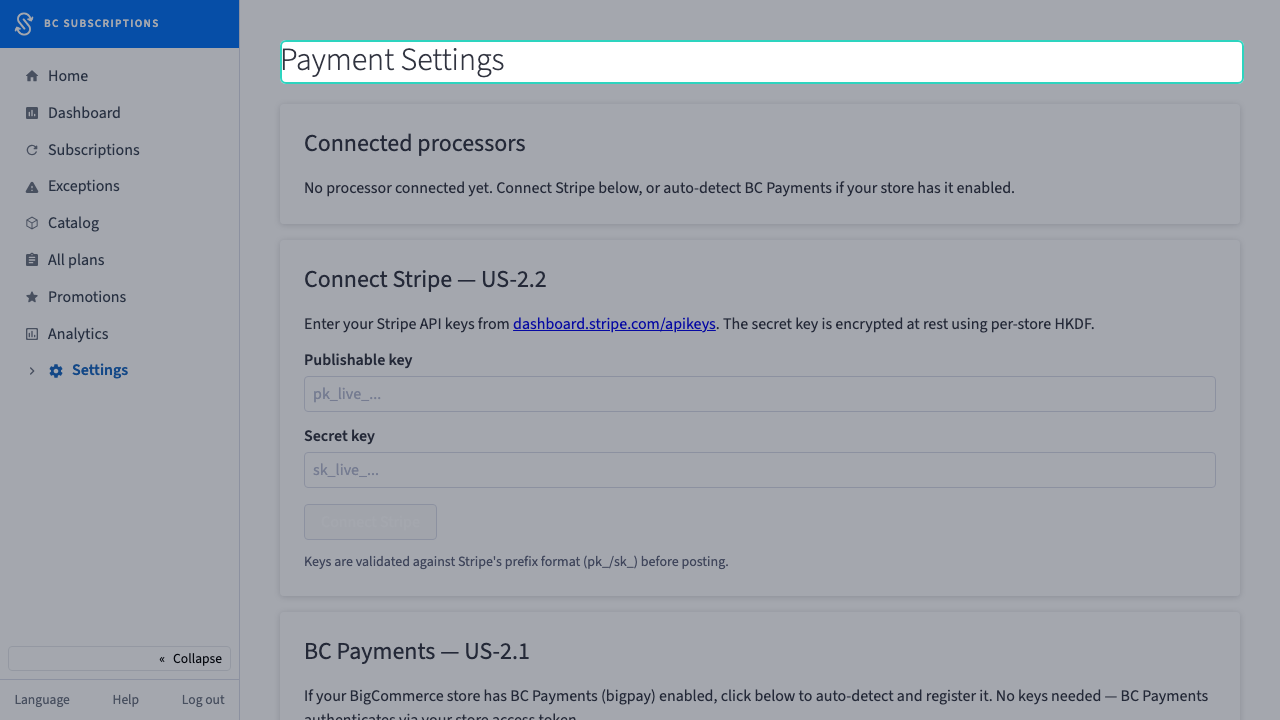 5
5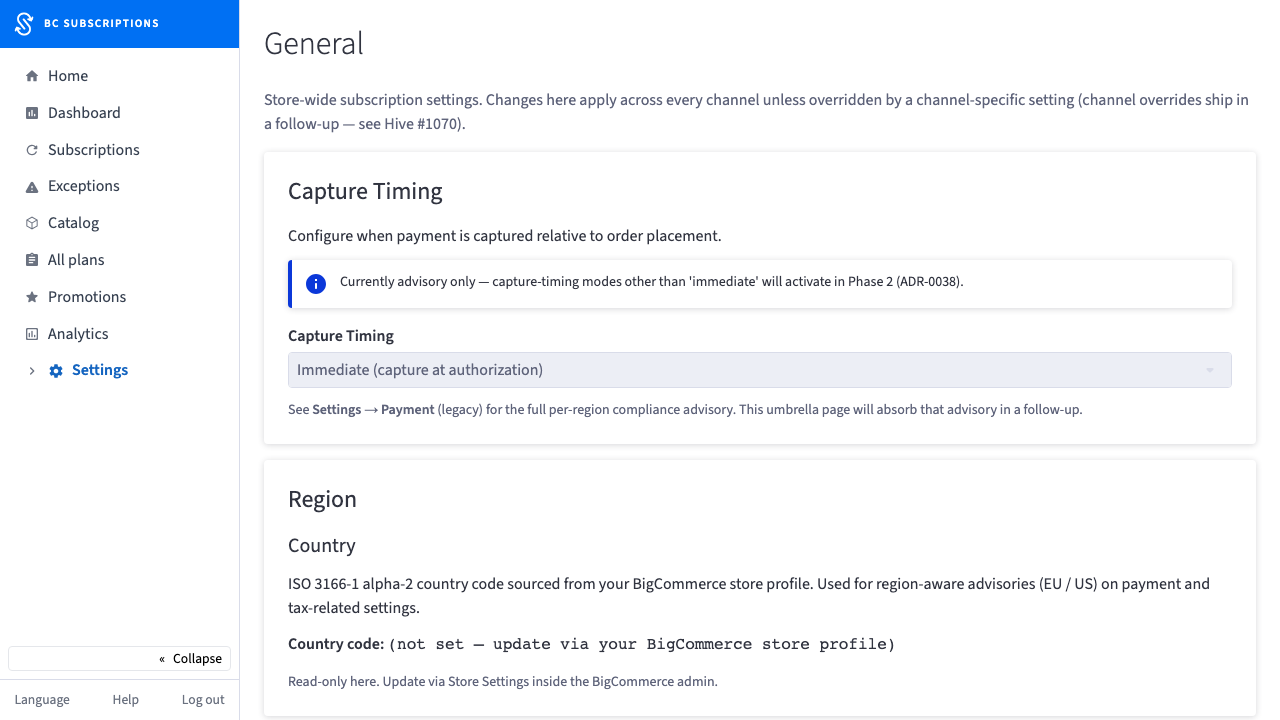 6
6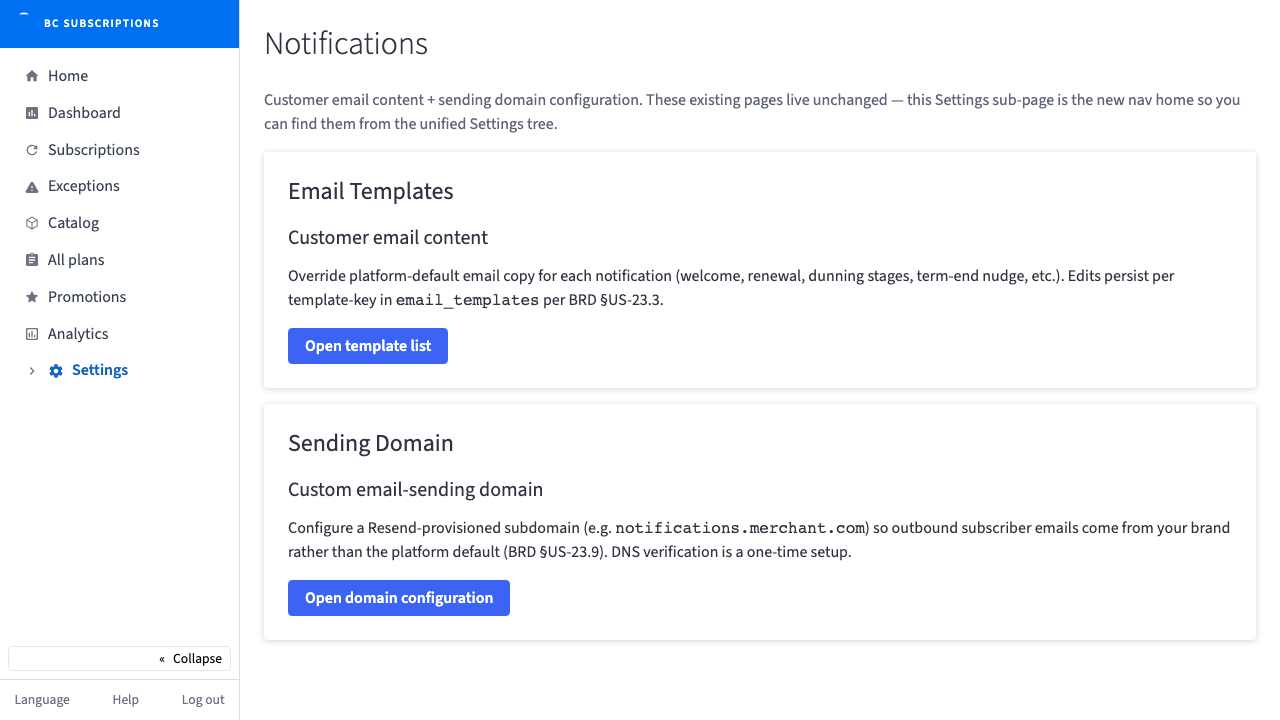 7
7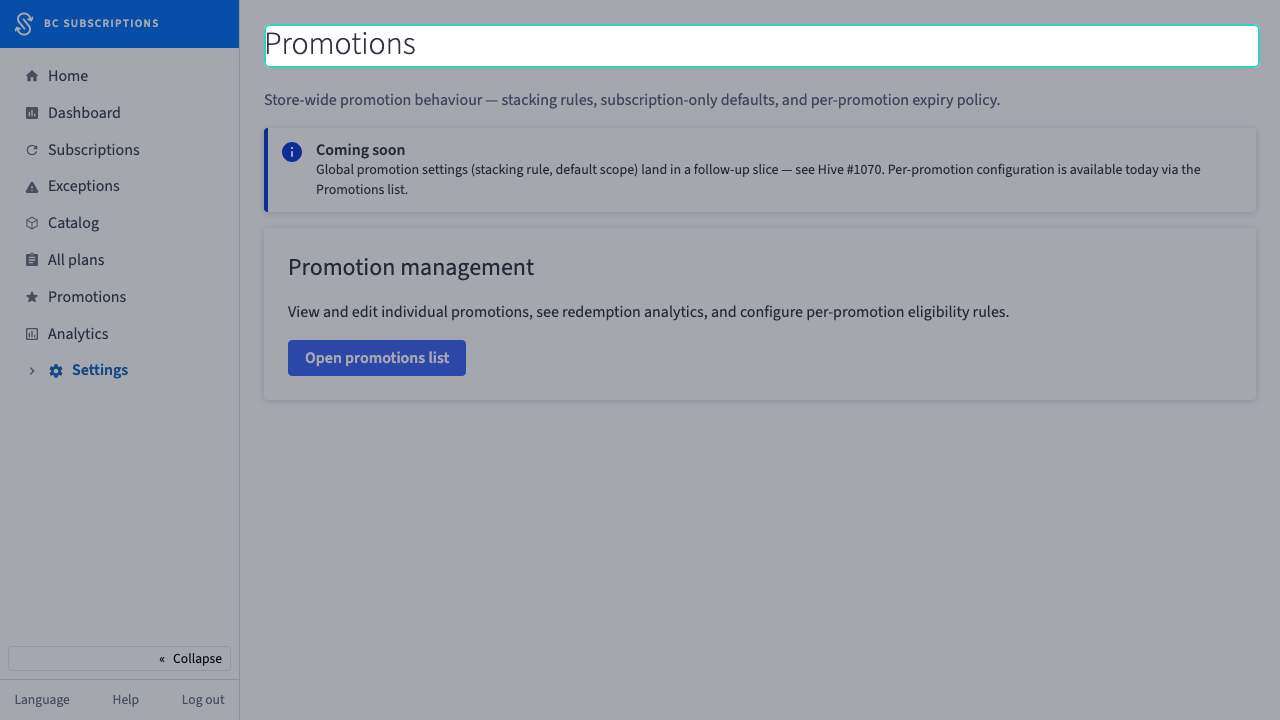 8
8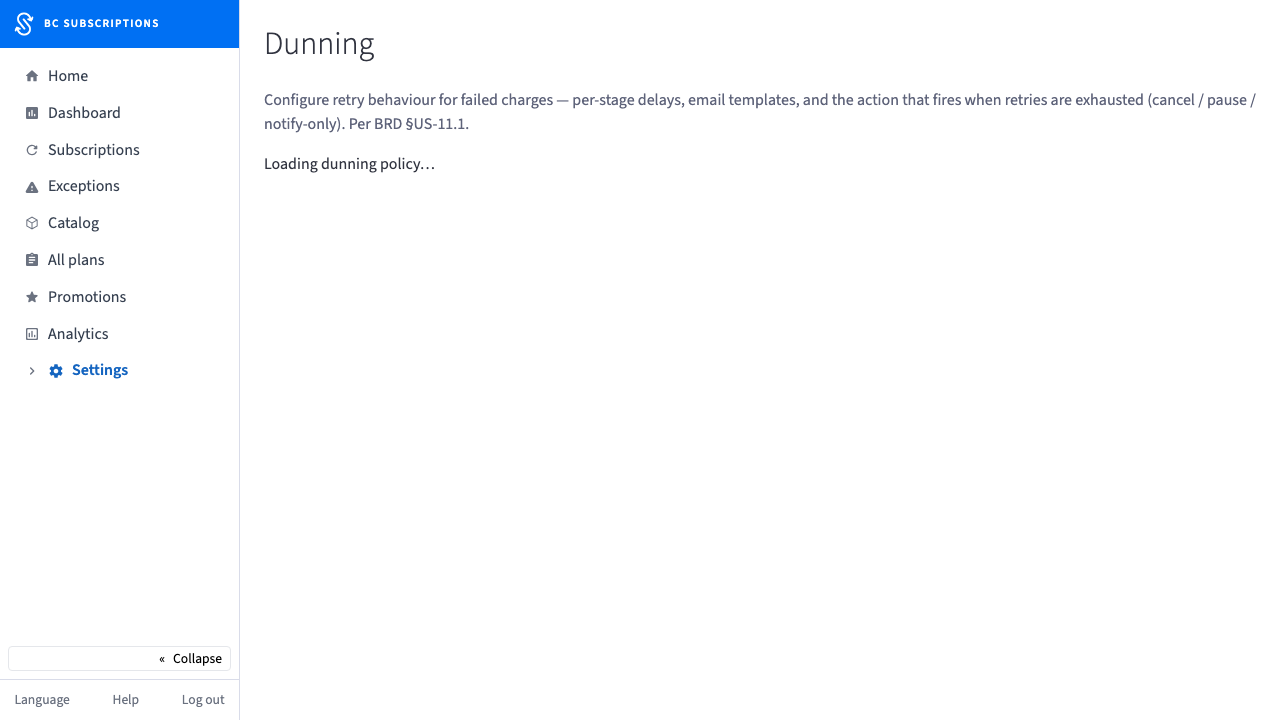 9
9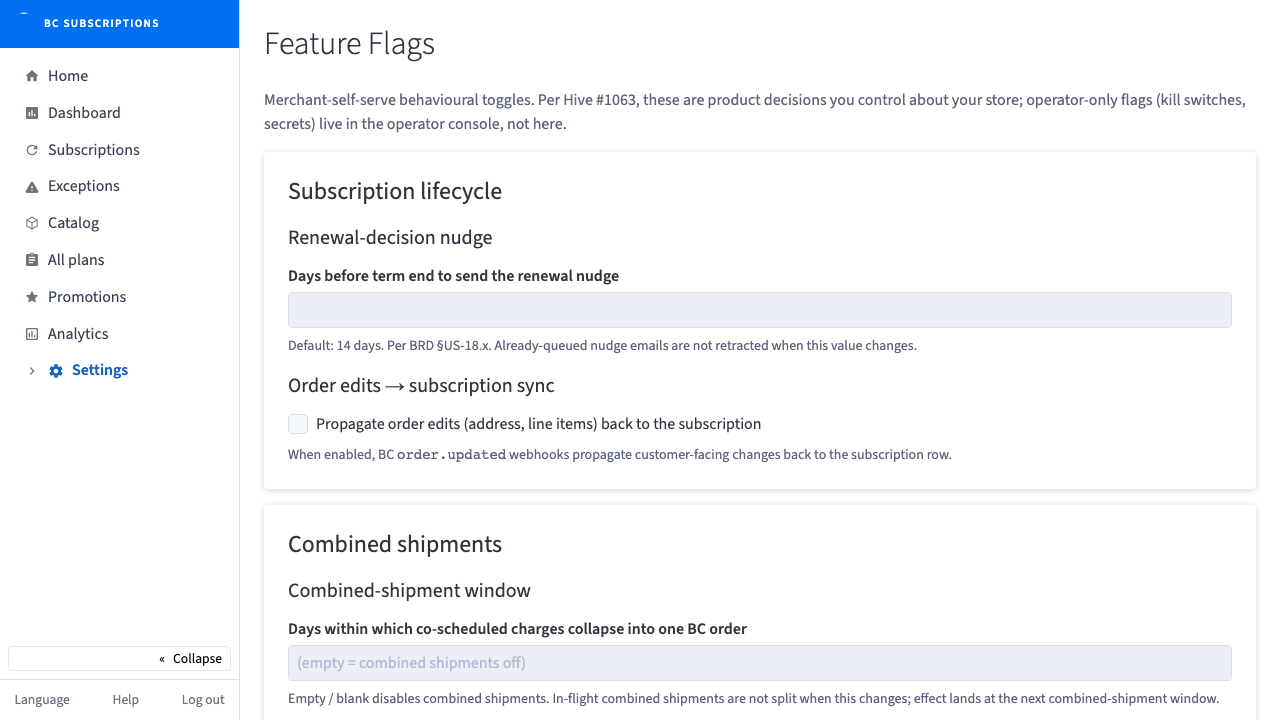 10
10Put subscriptions on the catalog
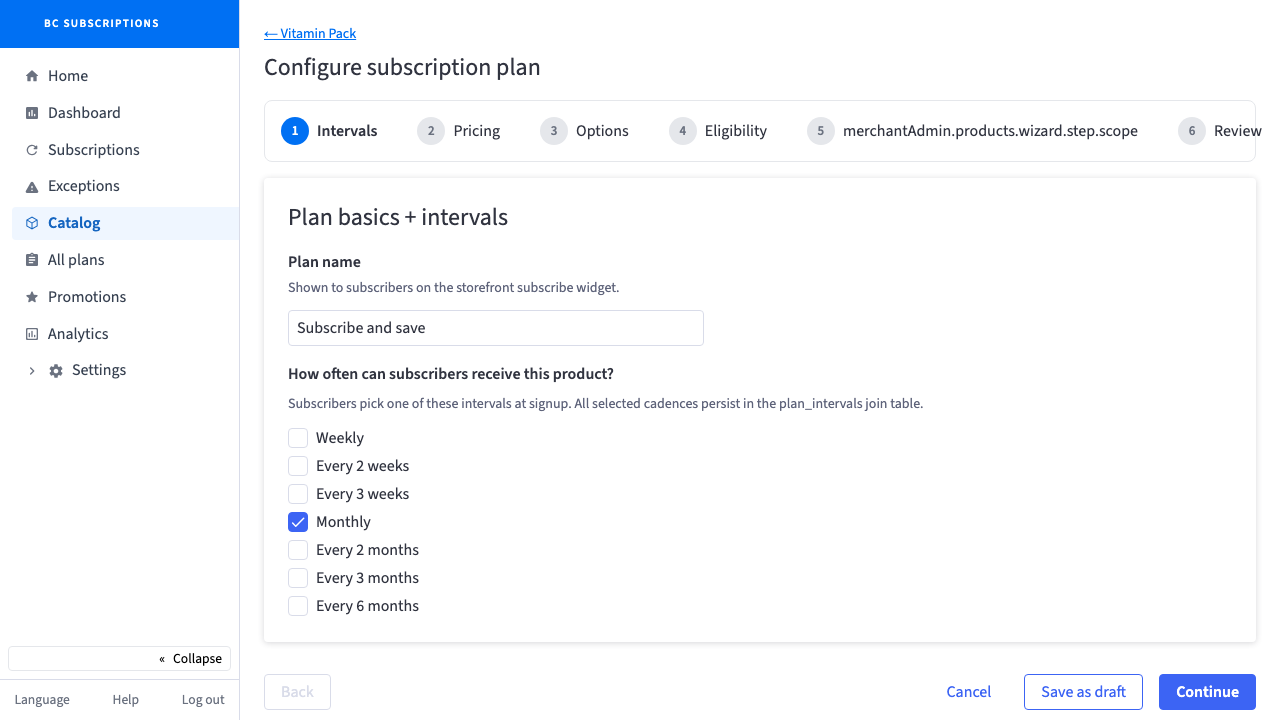
The merchant turns products into subscriptions — author a plan, add custom fields, compare and edit plans, wire the product panel, guard the catalog with exclusions and category rules, and bundle for combined shipments.
 11
11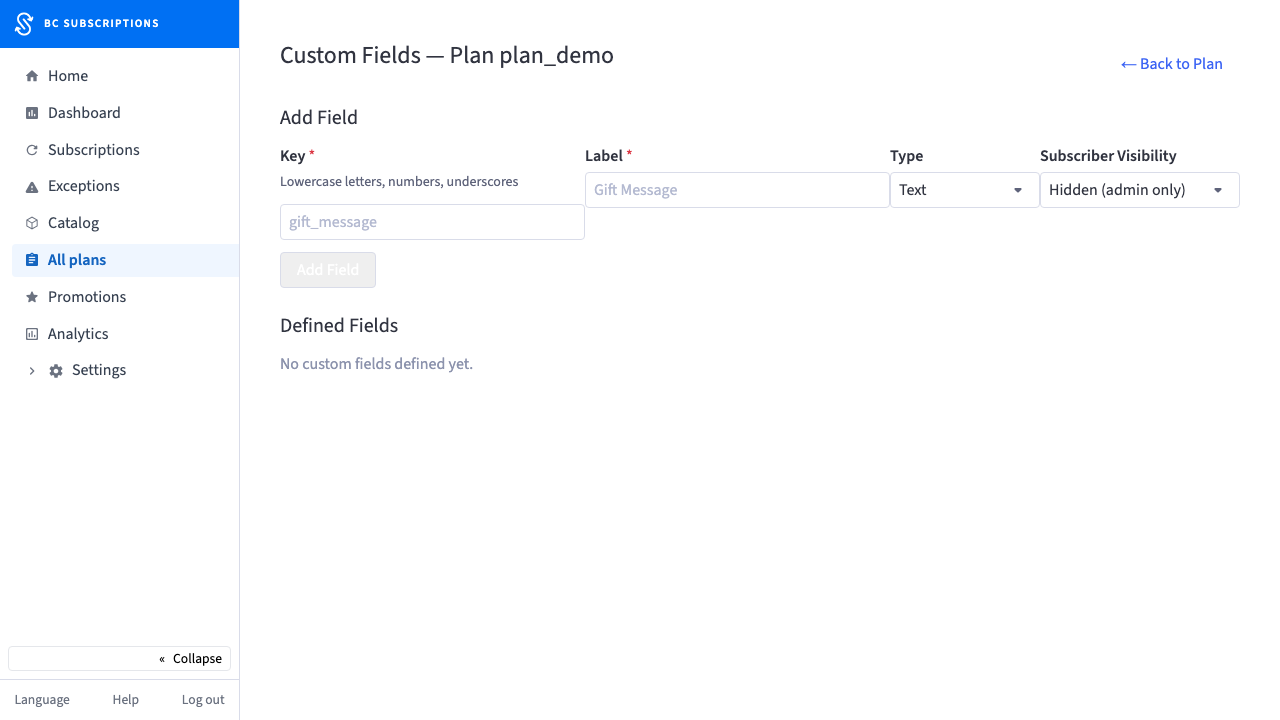 12
12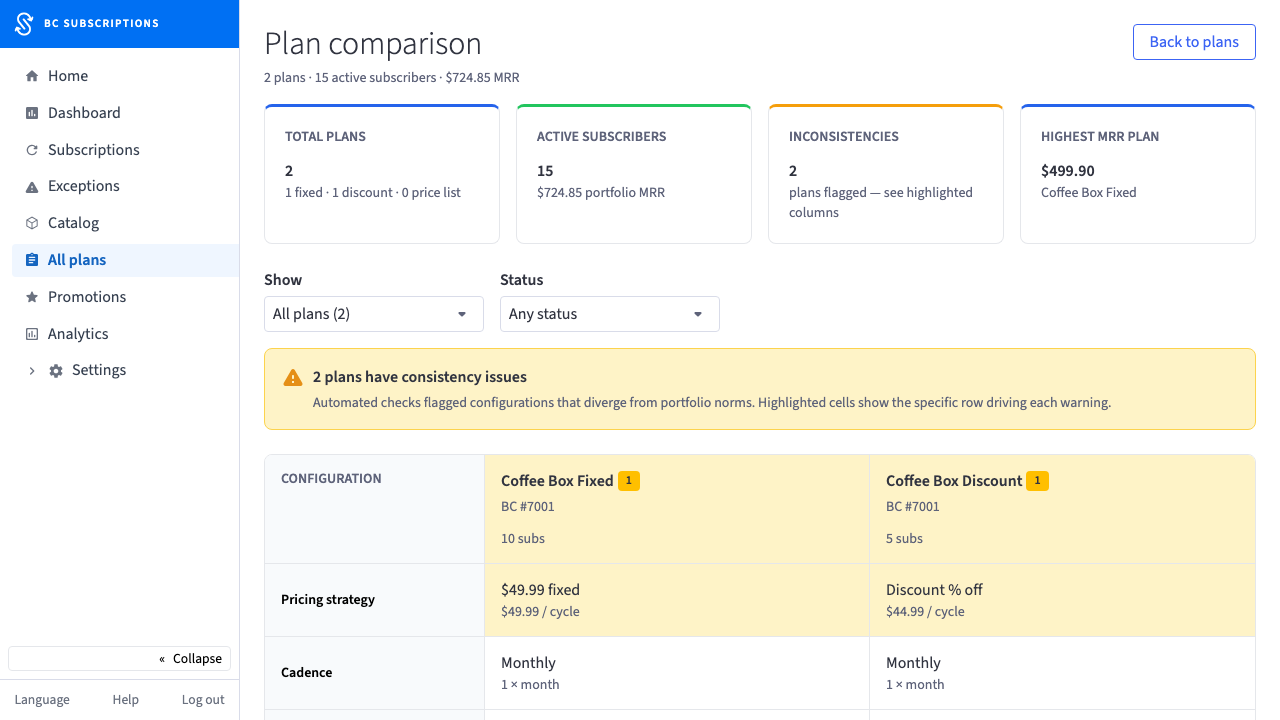 13
13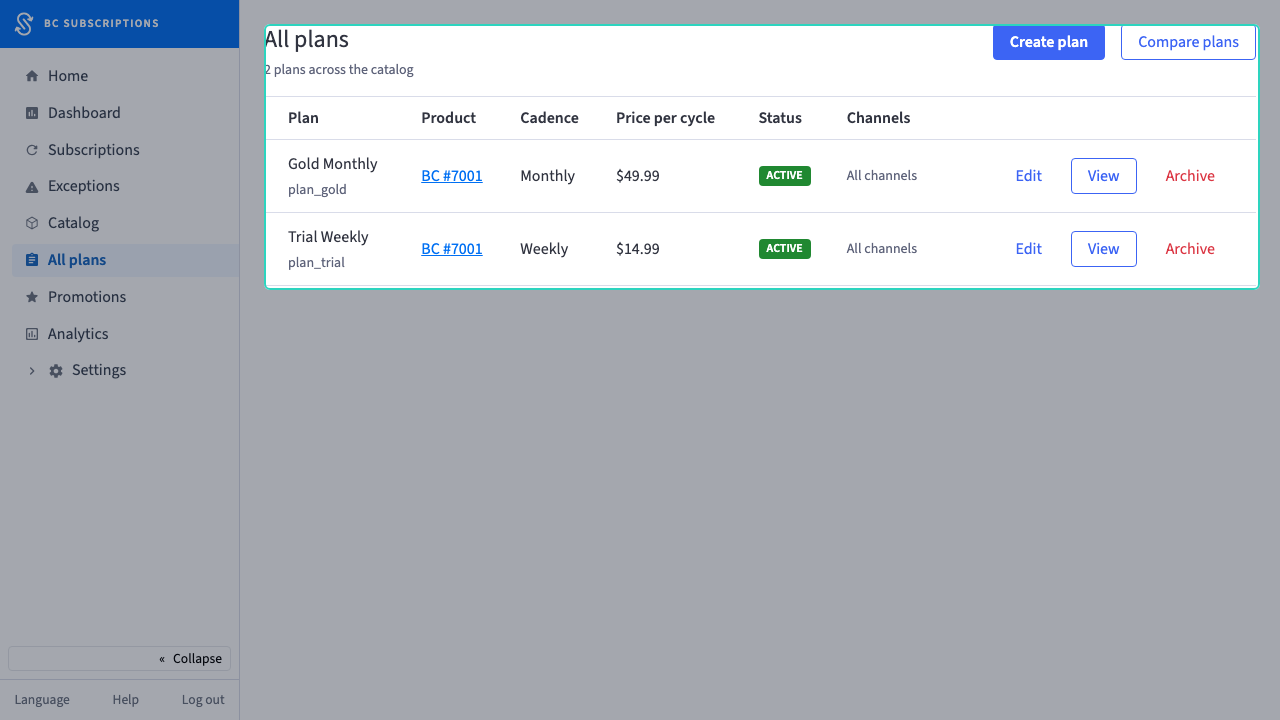 14
14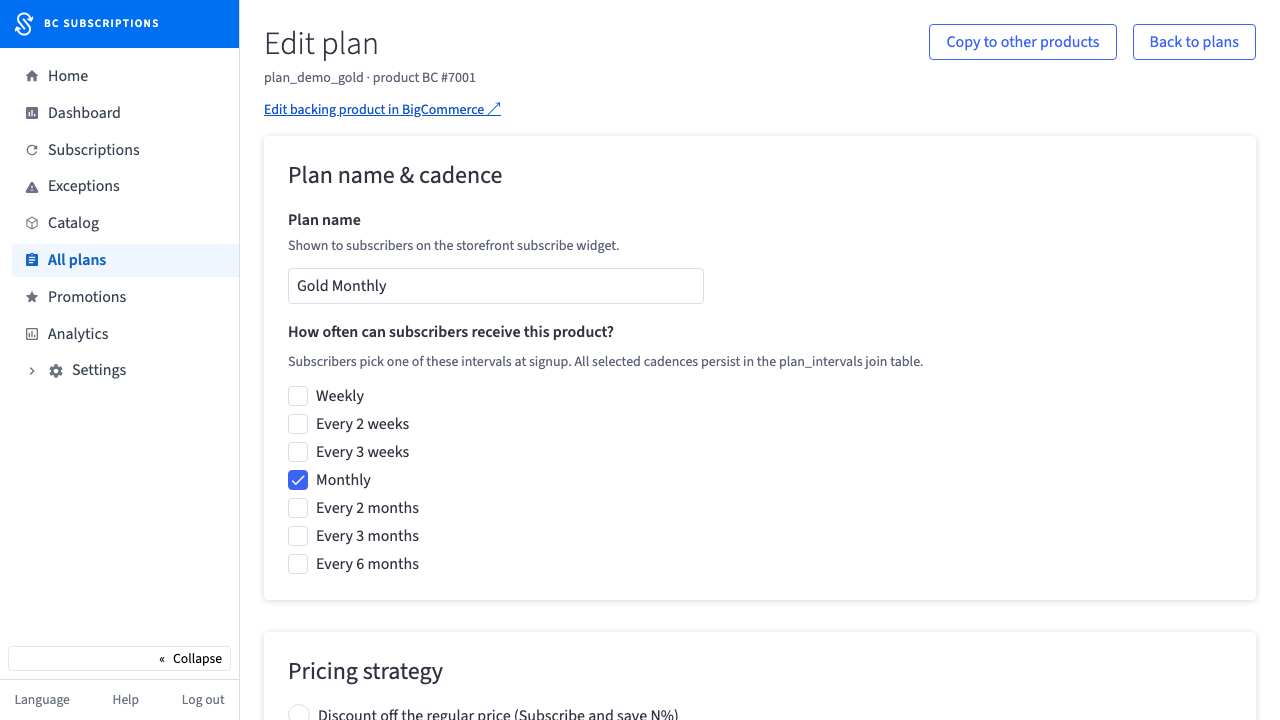 15
15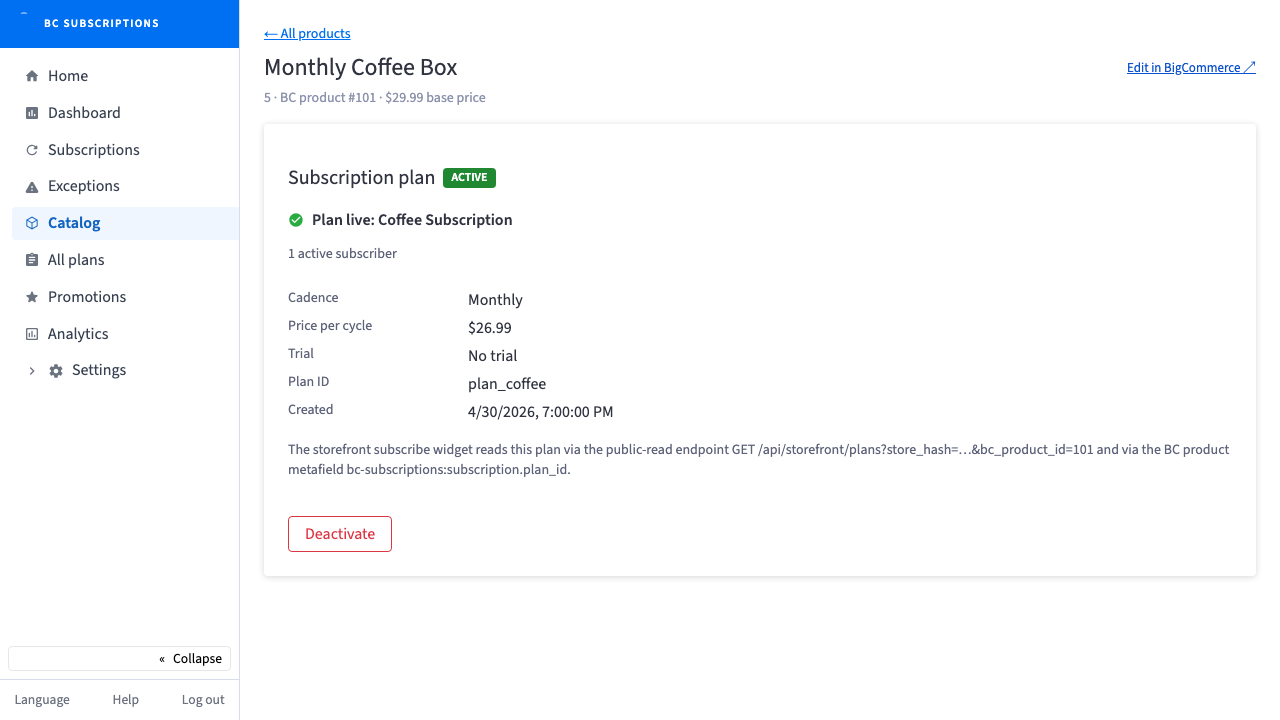 16
16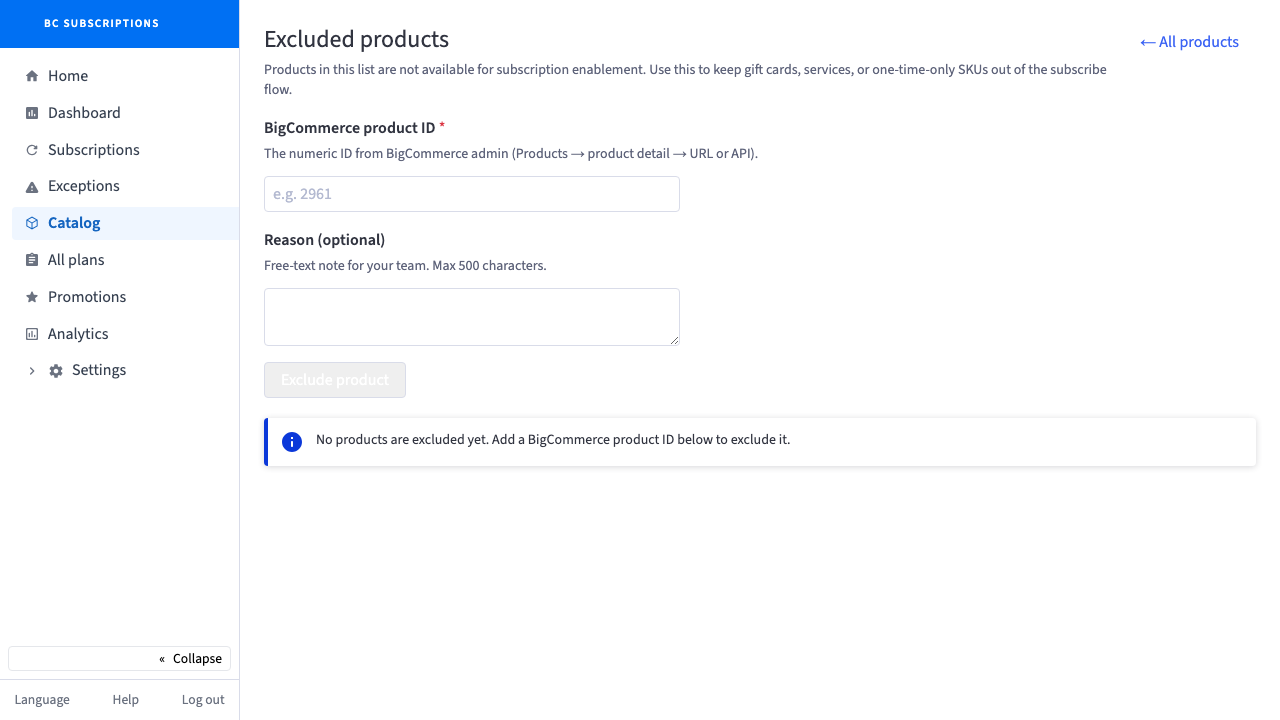 17
17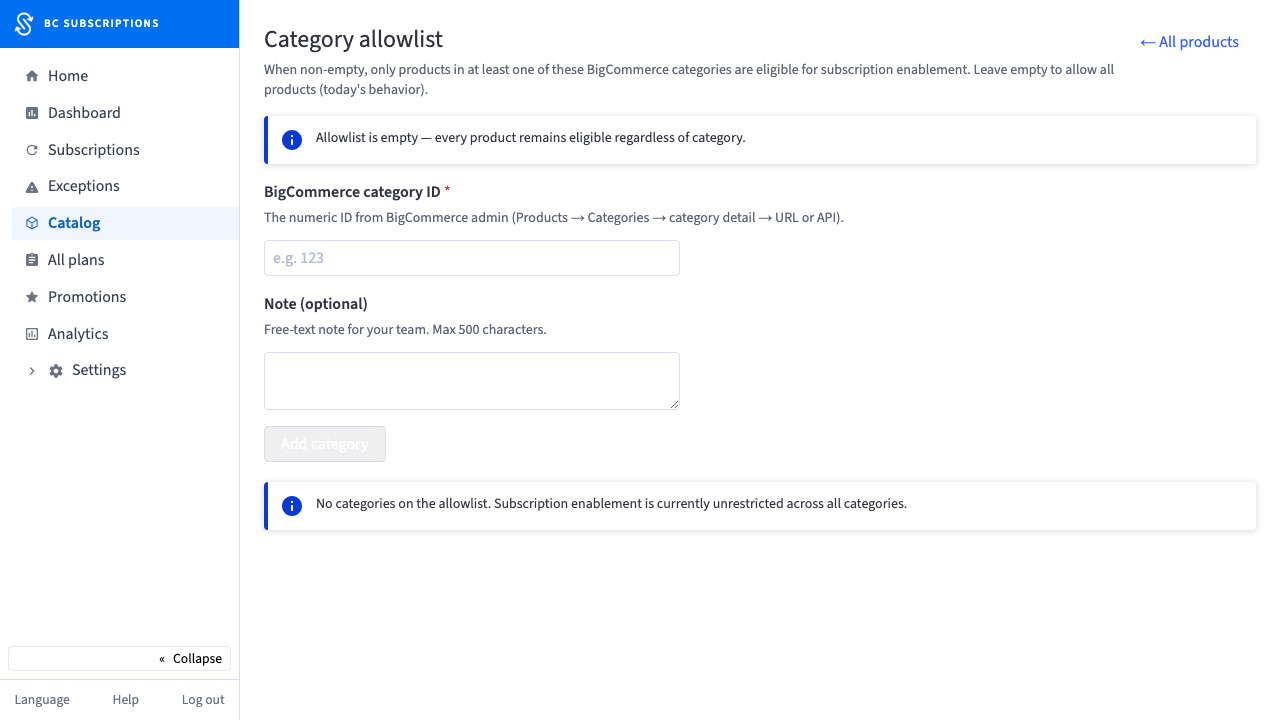 18
18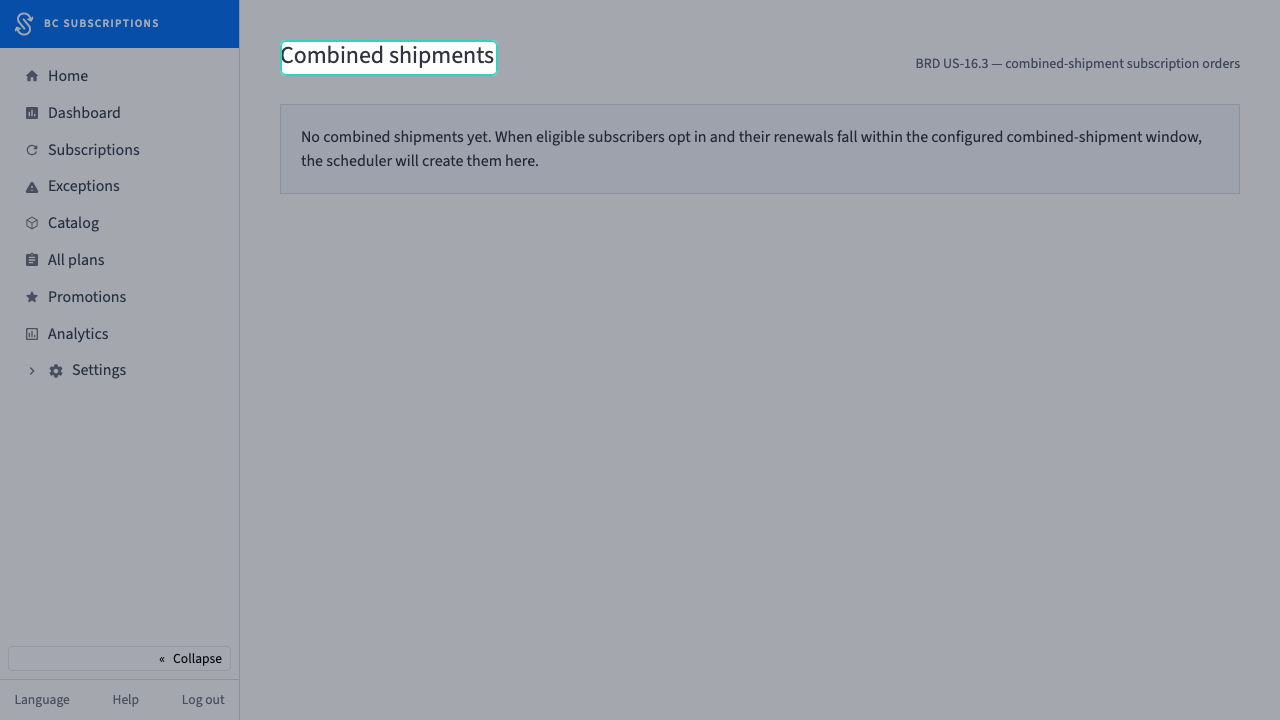 19
19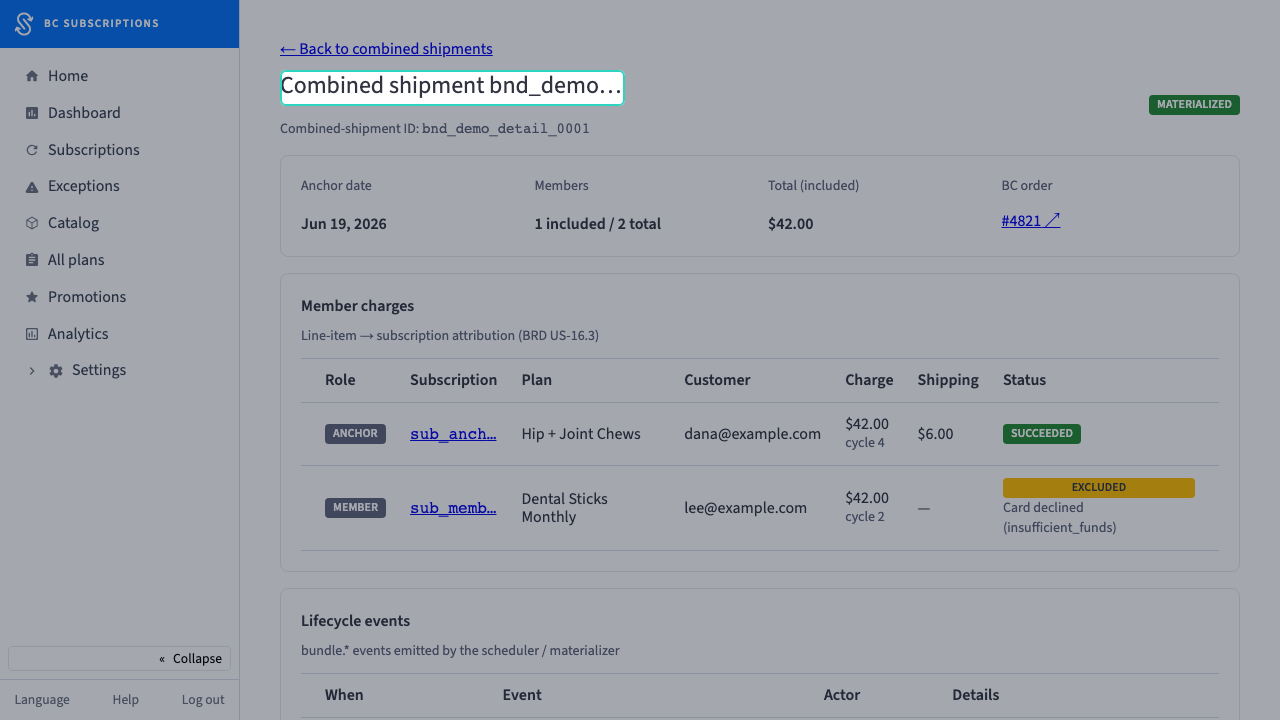 20
20A customer subscribes & self-serves
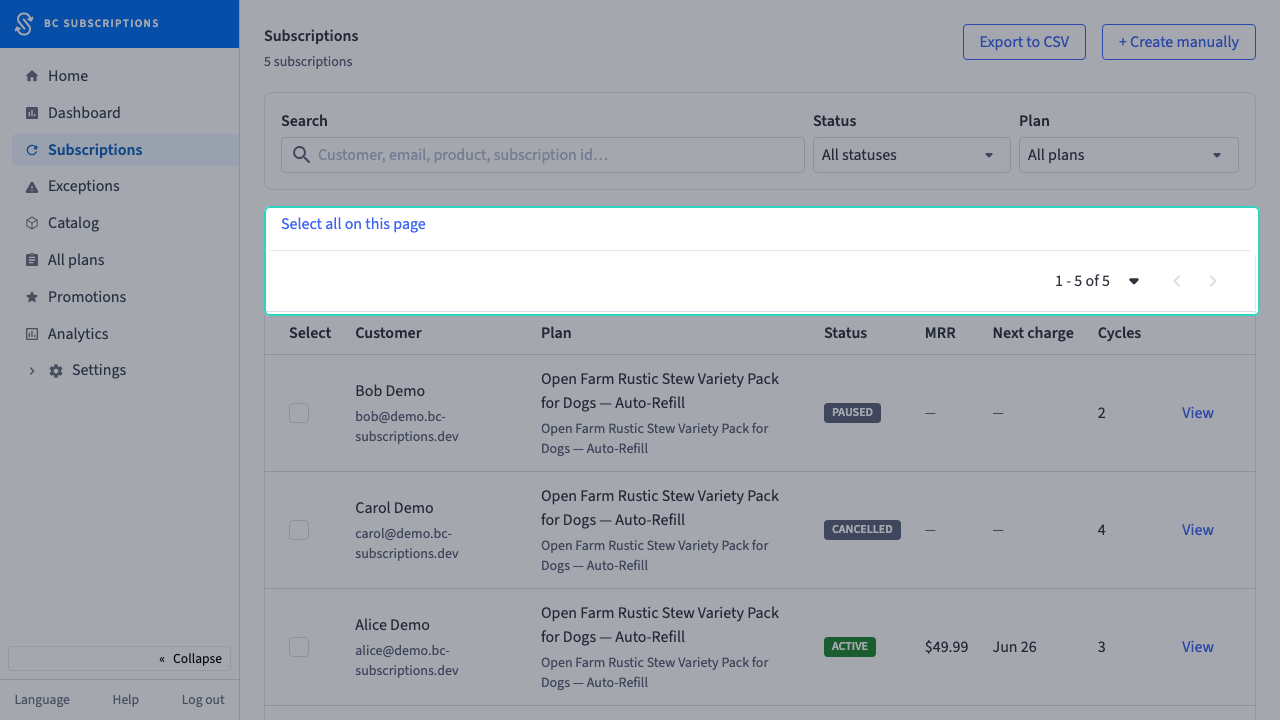
The subscription shows up in the admin, and the subscriber takes over from their own portal — swap a flavor, update a card, change where and how they pay, all without a support ticket.
 21
21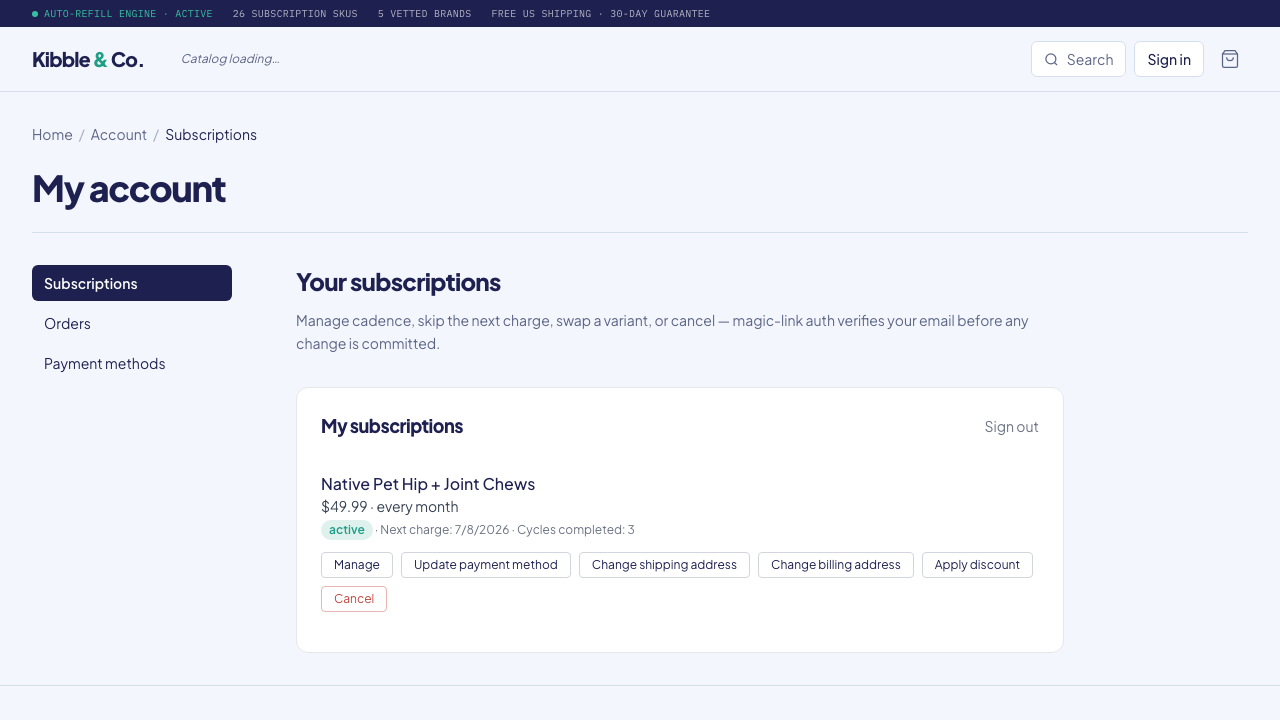 22
22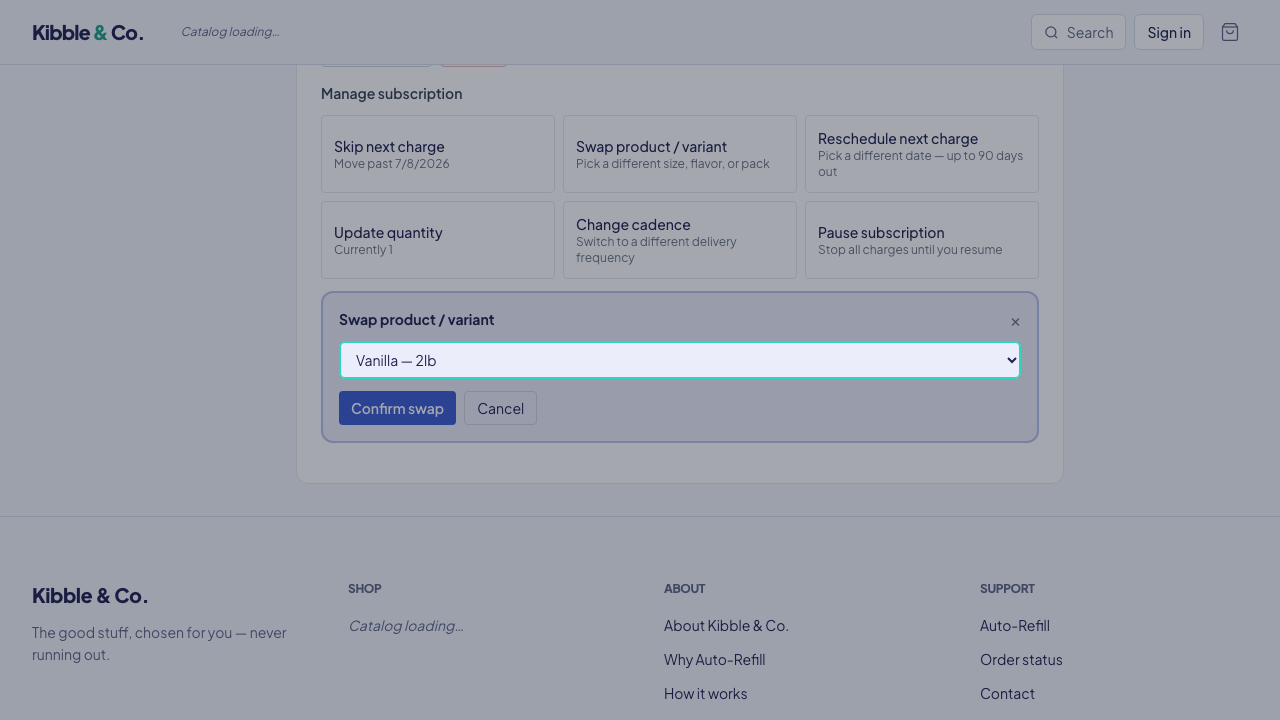 23
23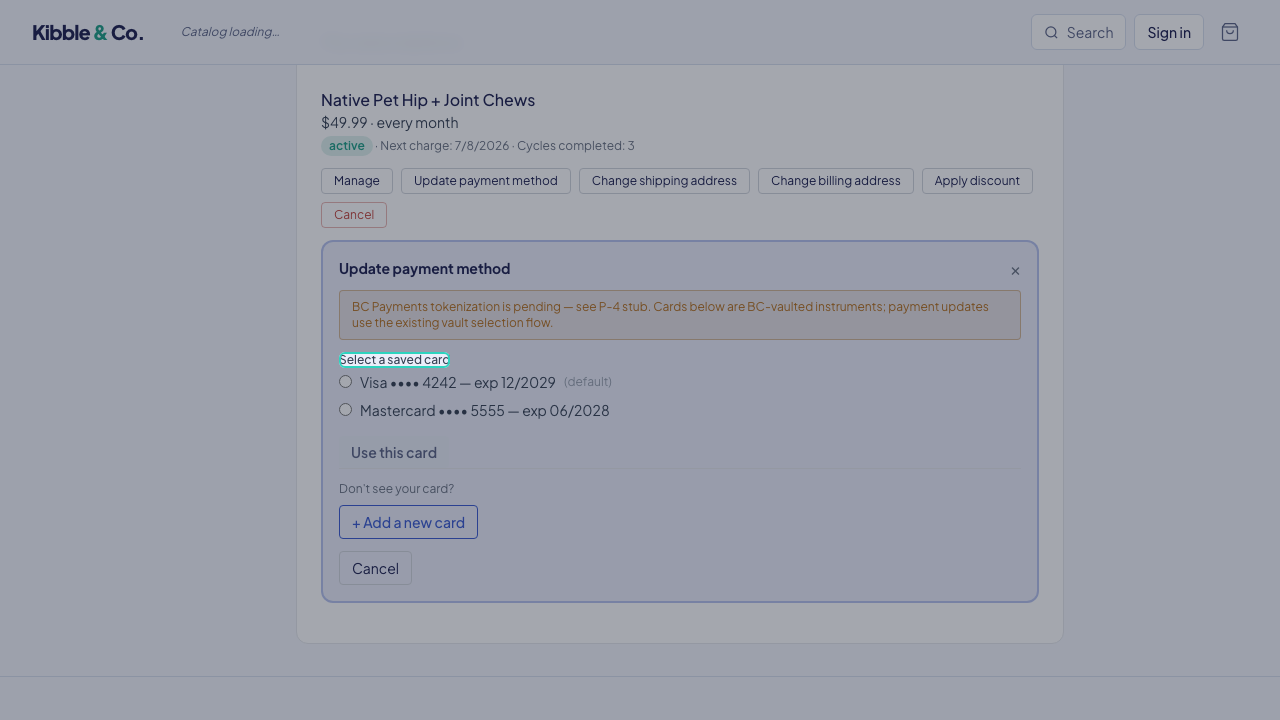 24
24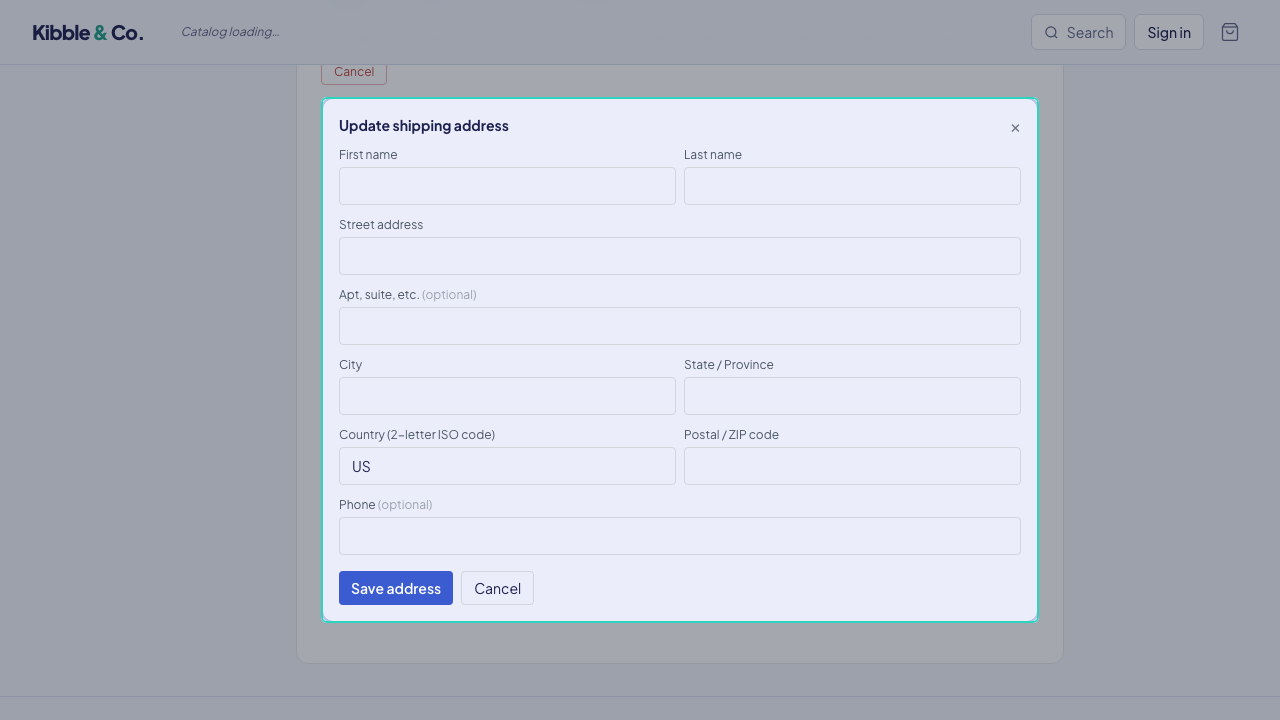 25
25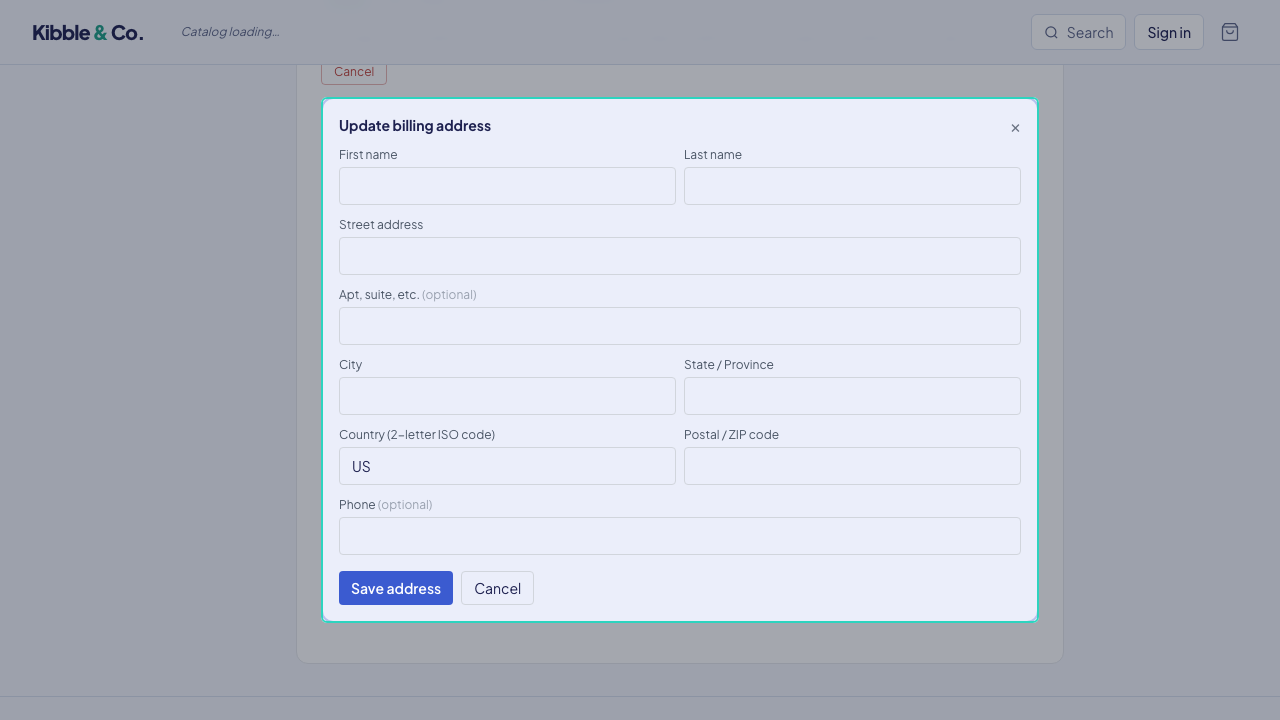 26
26Retain & recover
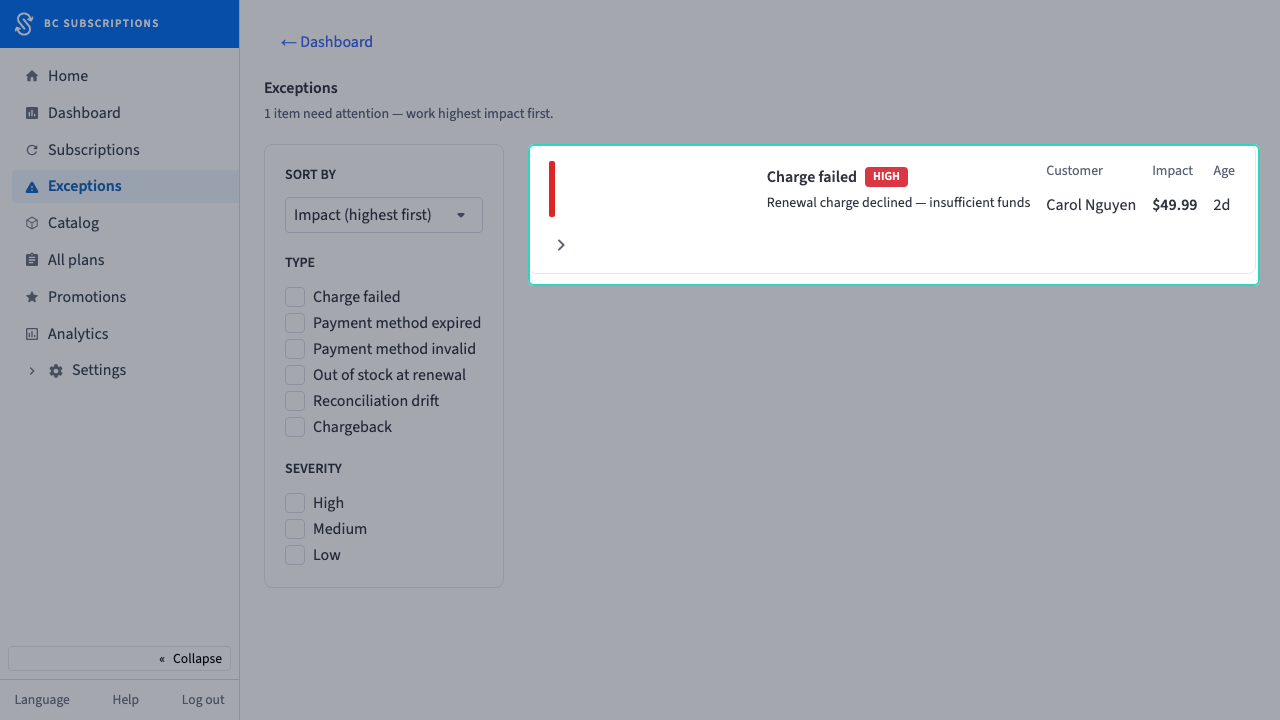
A charge fails. The merchant works the exception queue, tunes the retry policy, and the merchant-branded emails go out — while the subscriber pauses instead of cancelling, cancels, reactivates, or resumes.
 27
27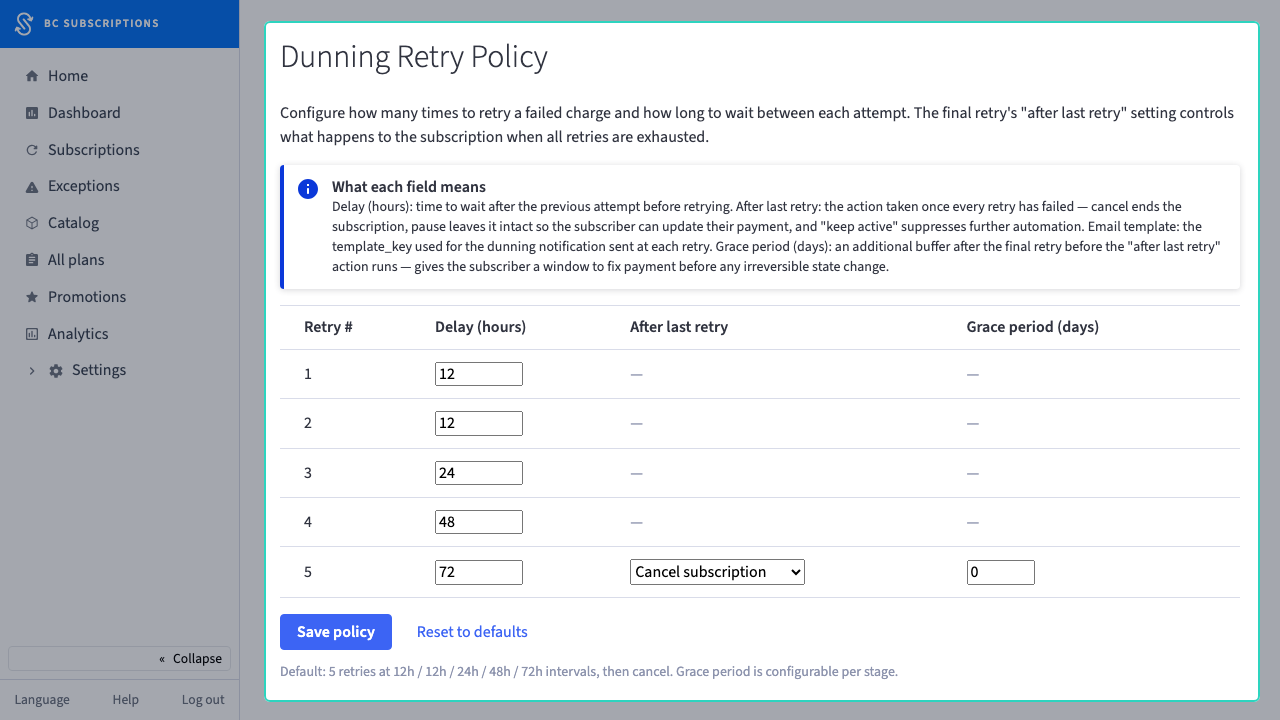 28
28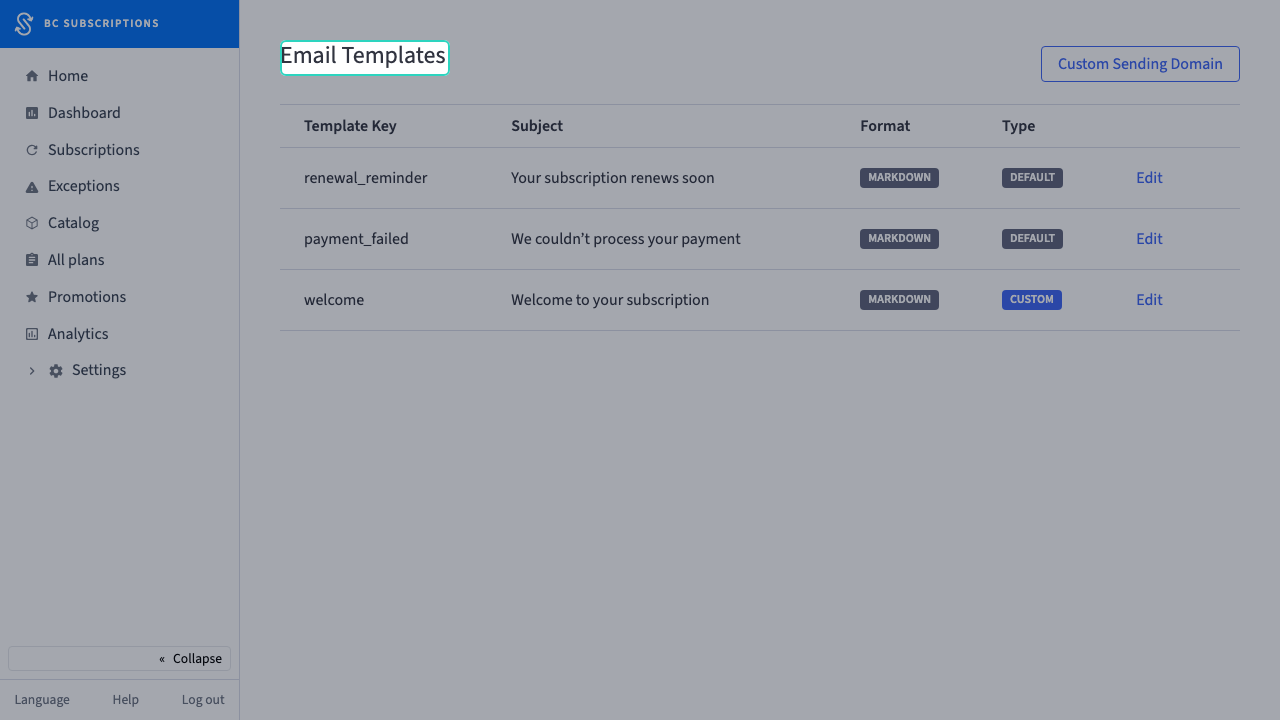 29
29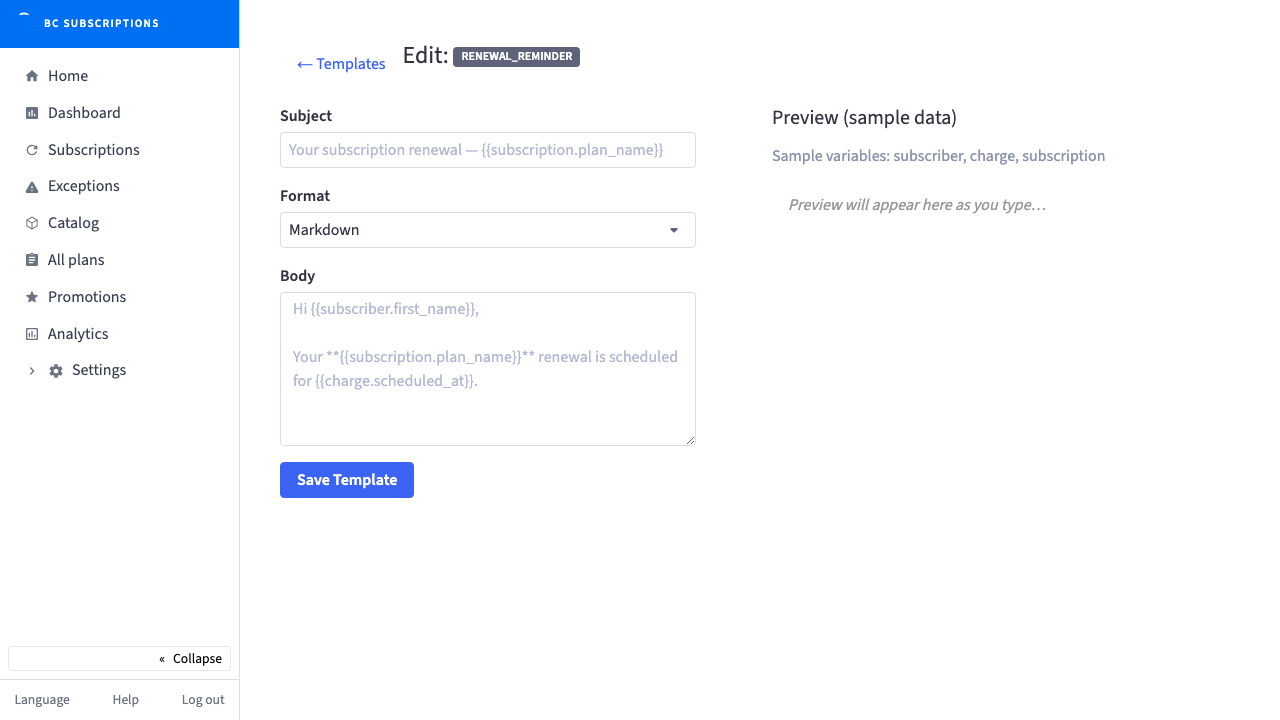 30
30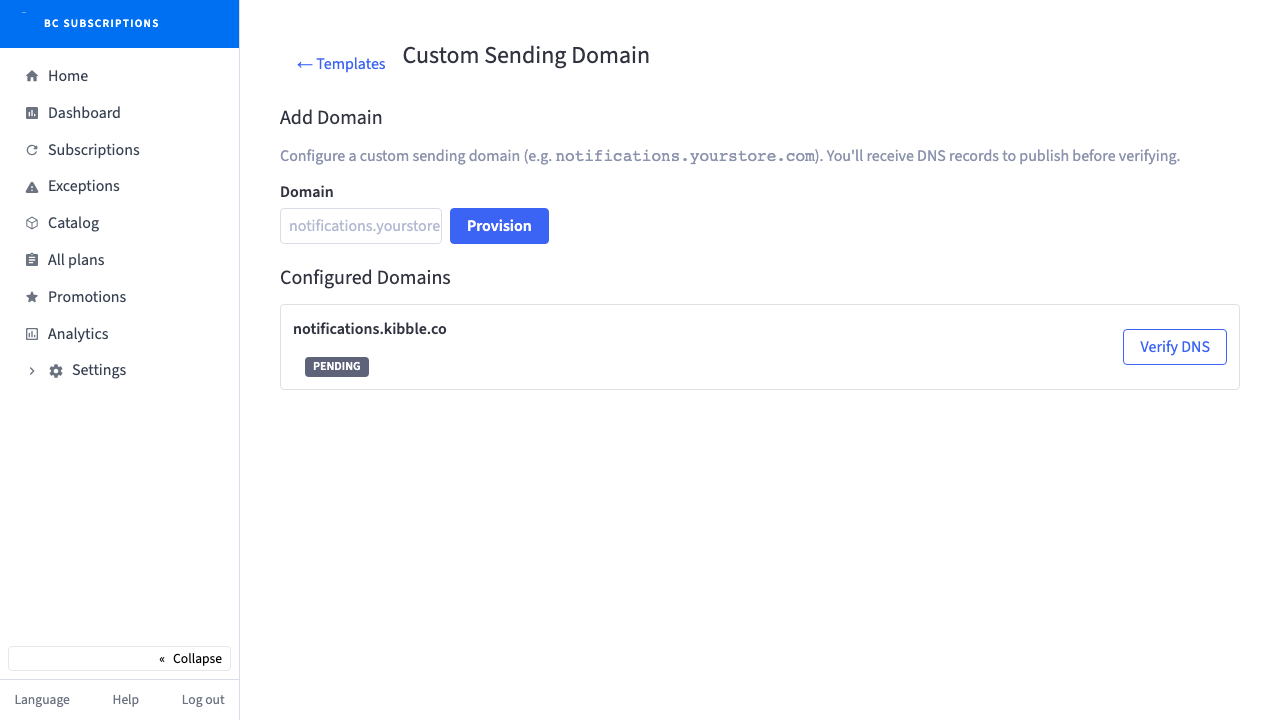 31
31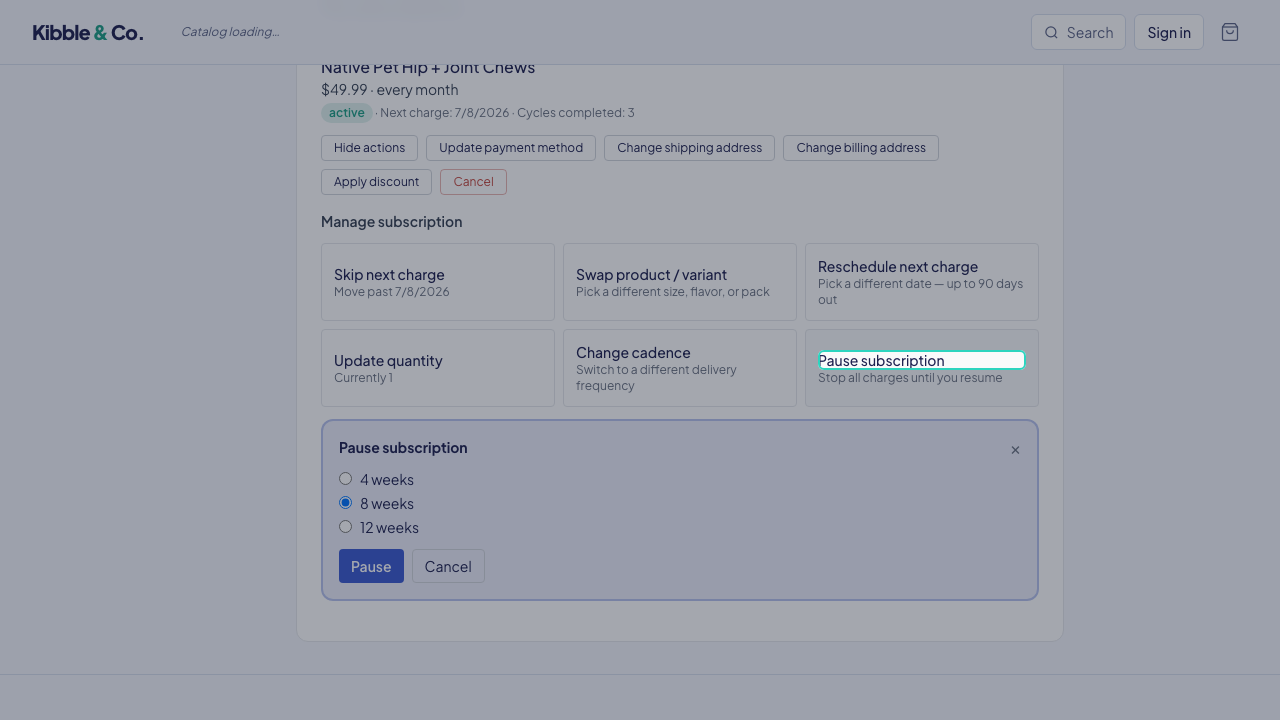 32
32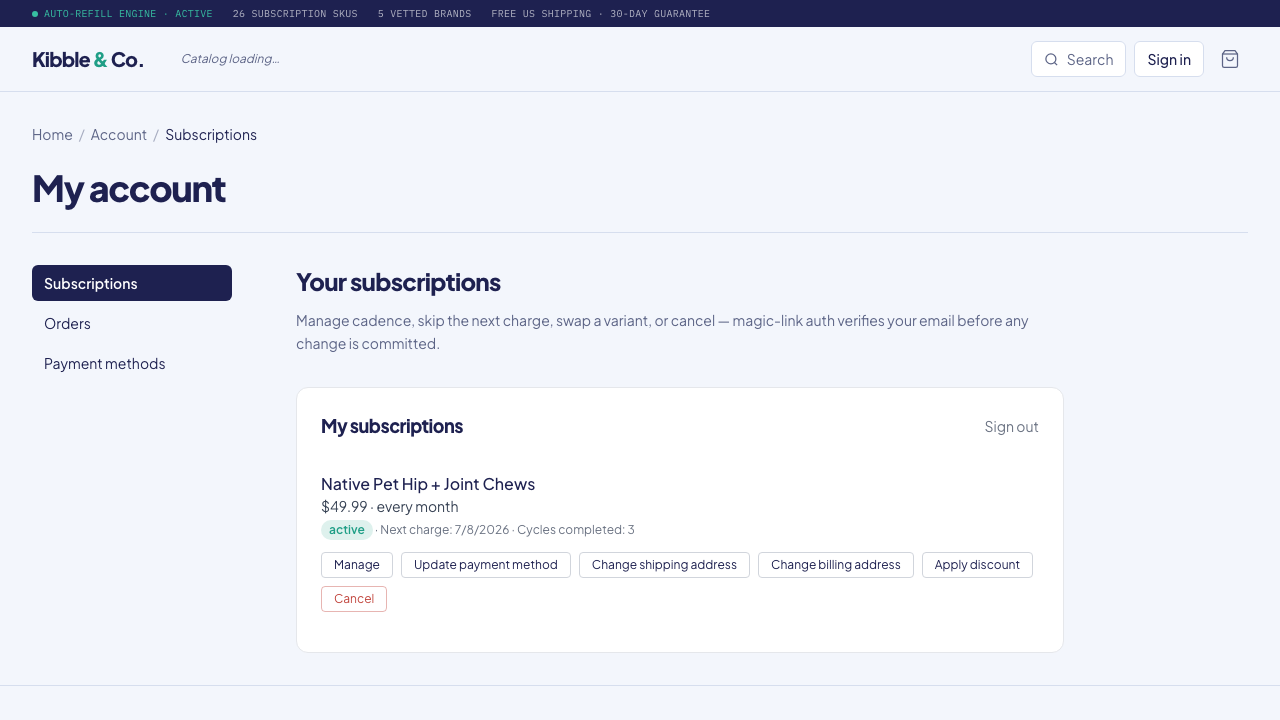 33
33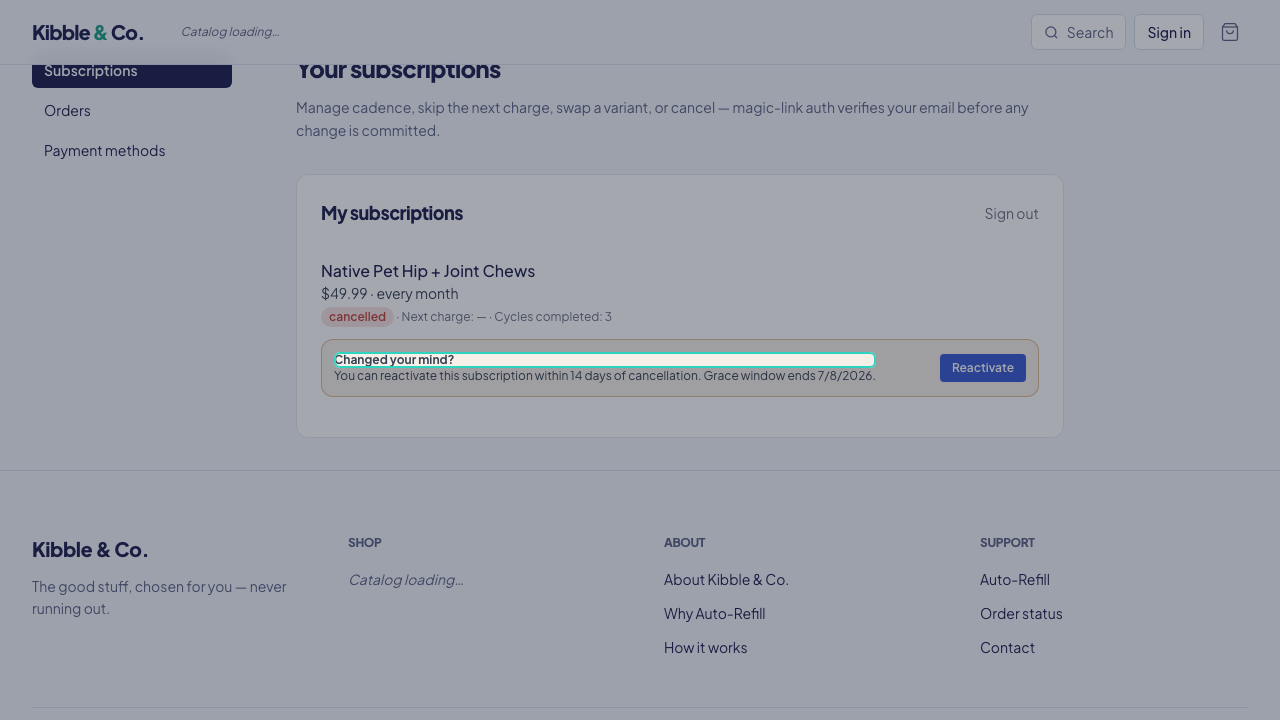 34
34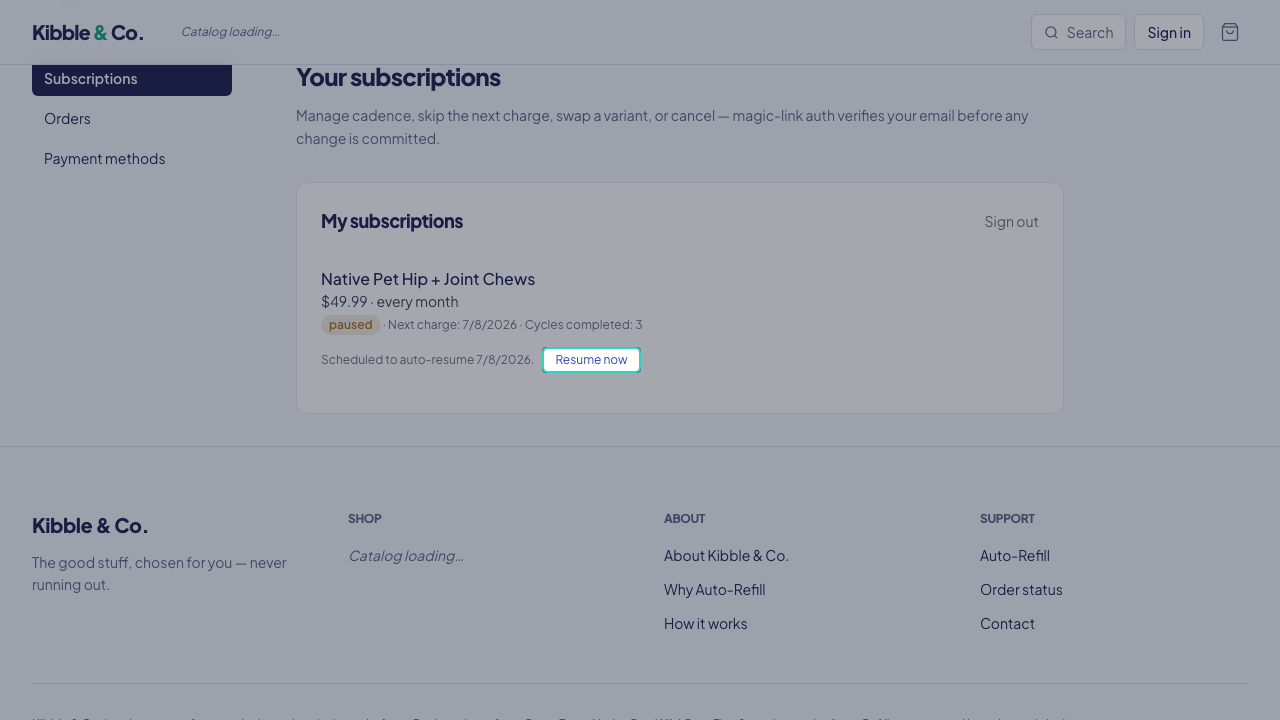 35
35Run & grow the program
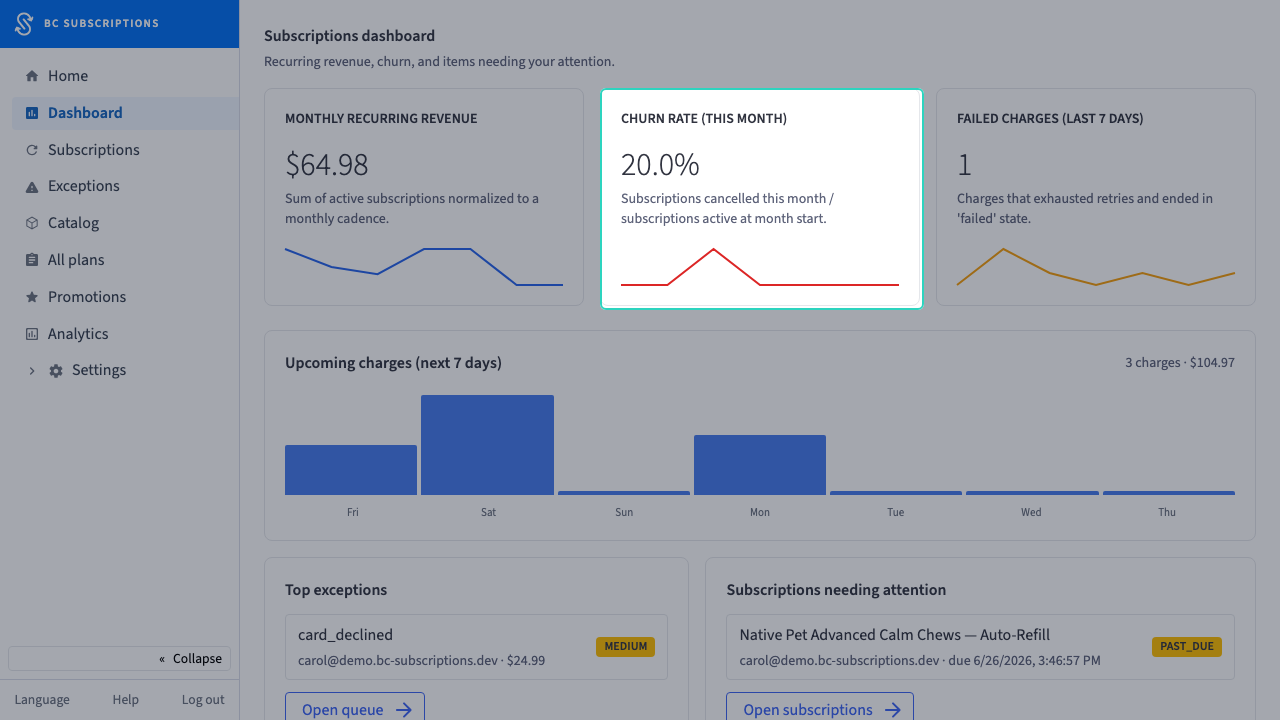
The merchant runs the program from one dashboard, overrides individual subscriptions, leans on CS tools and B2B enrollment, and grows with cohort analytics and subscription-aware promotions.
 36
36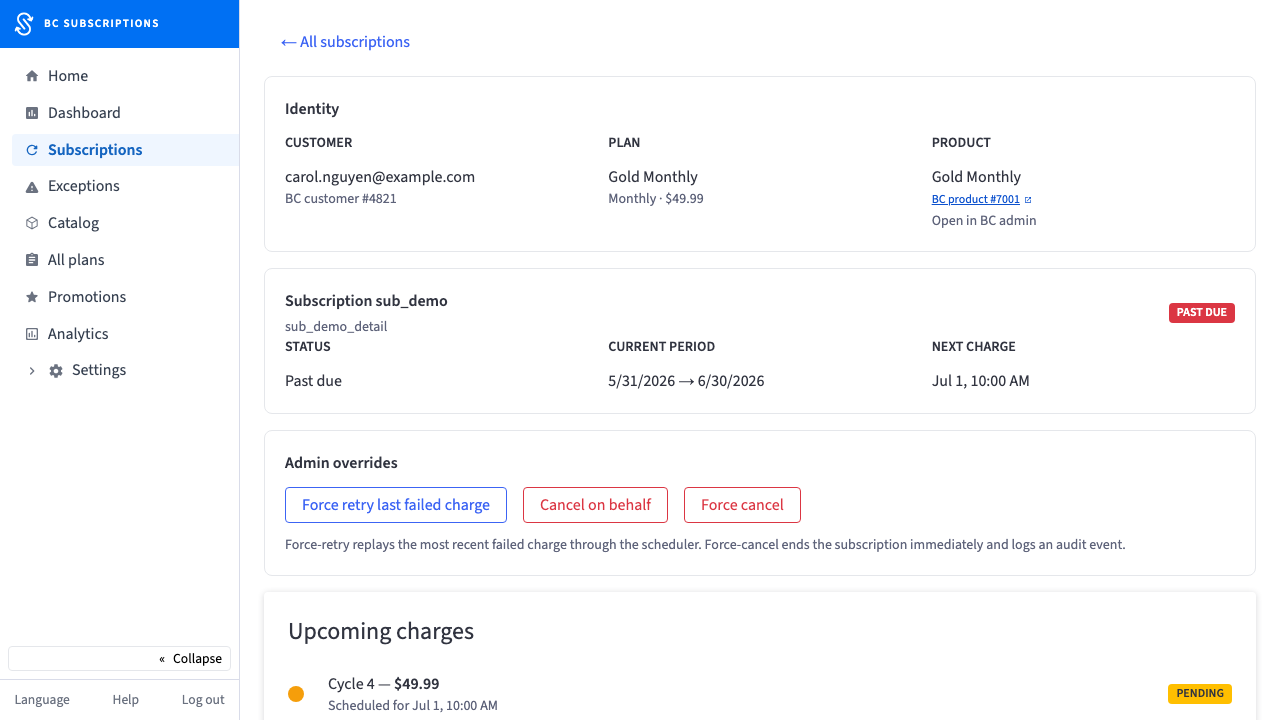 37
37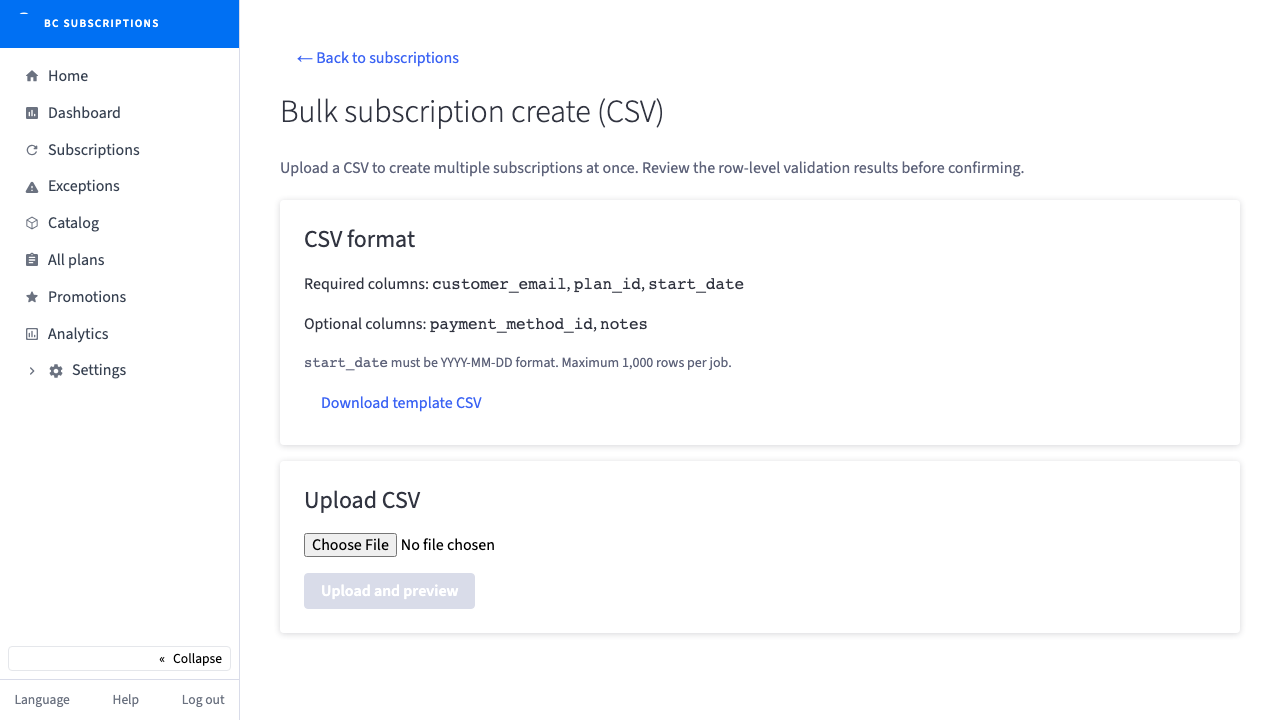 38
38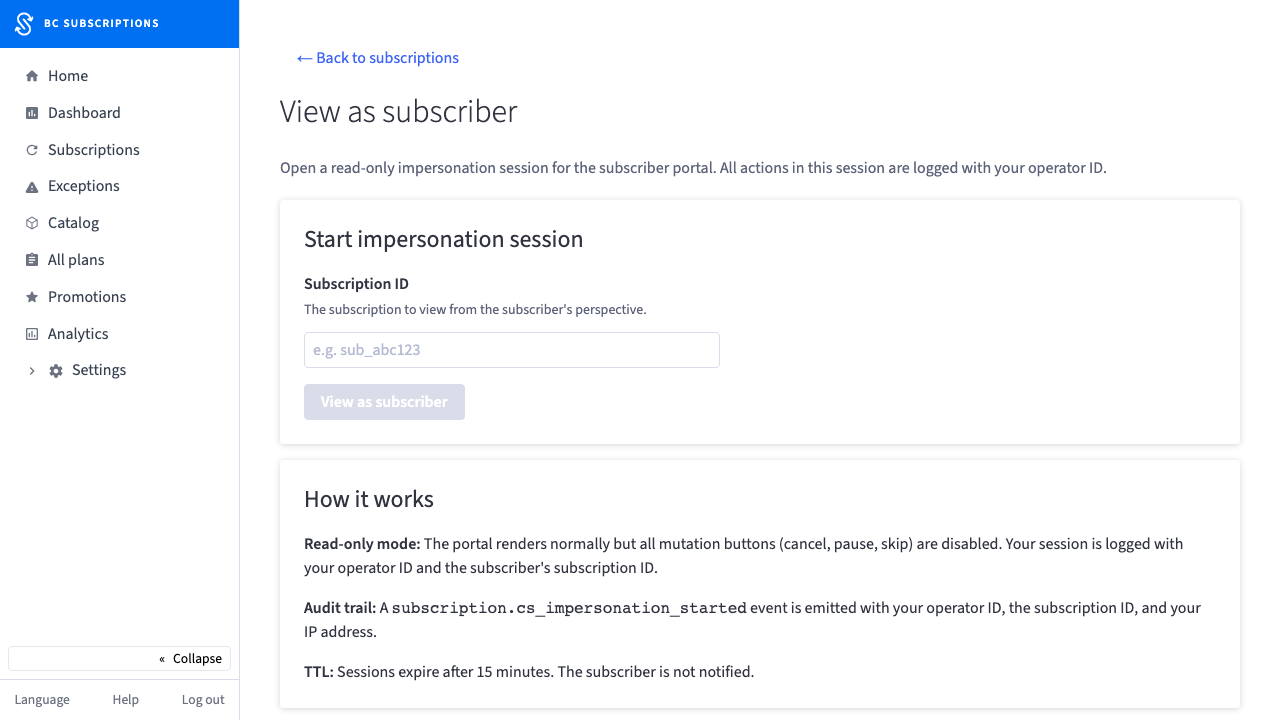 39
39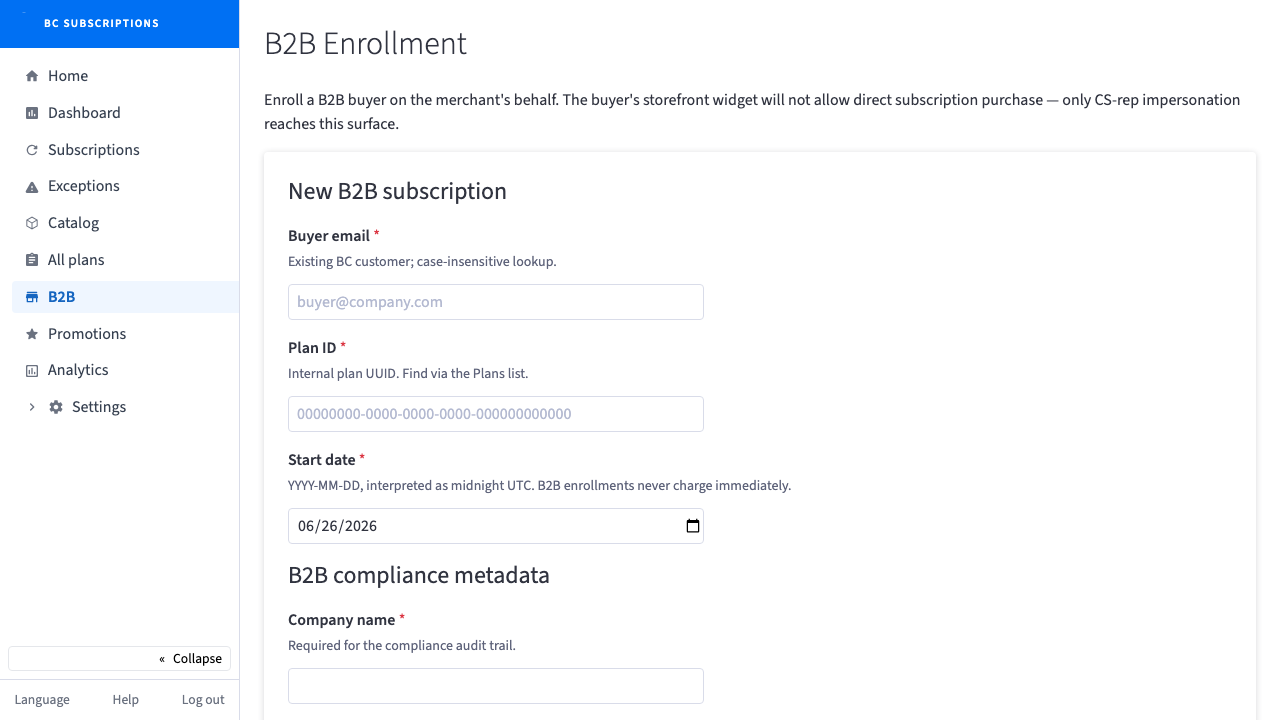 40
40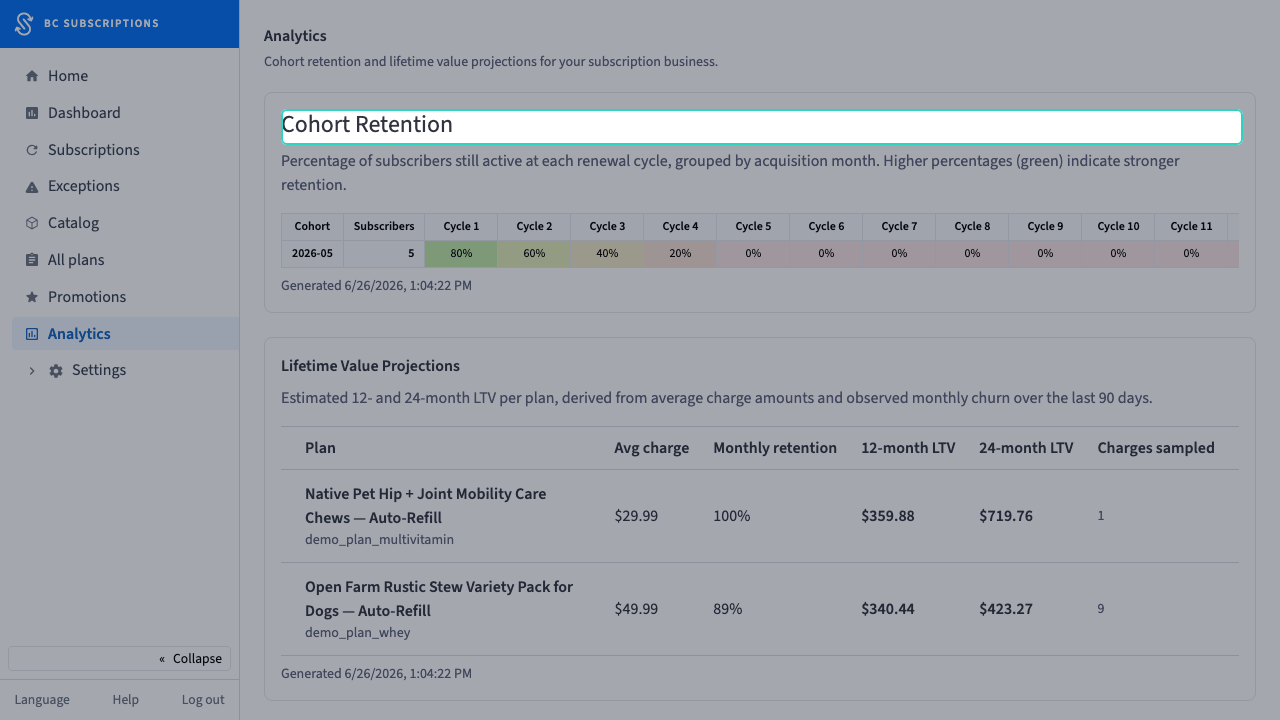 41
41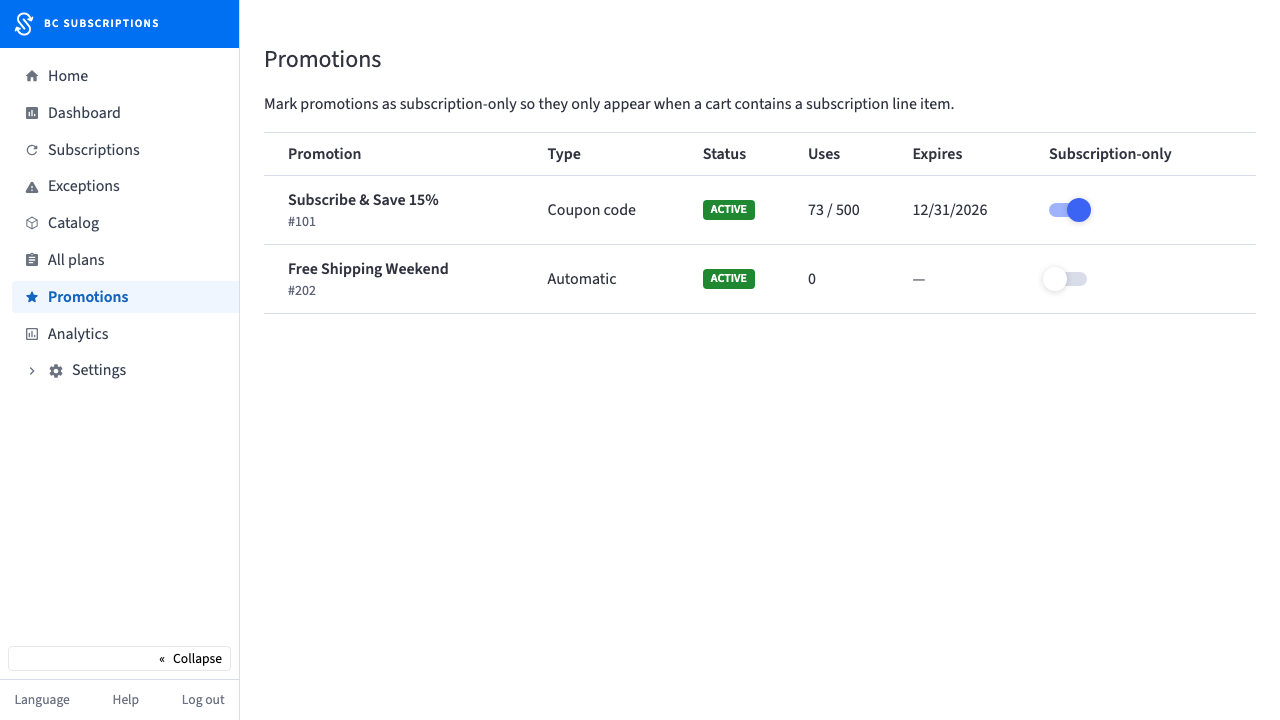 42
42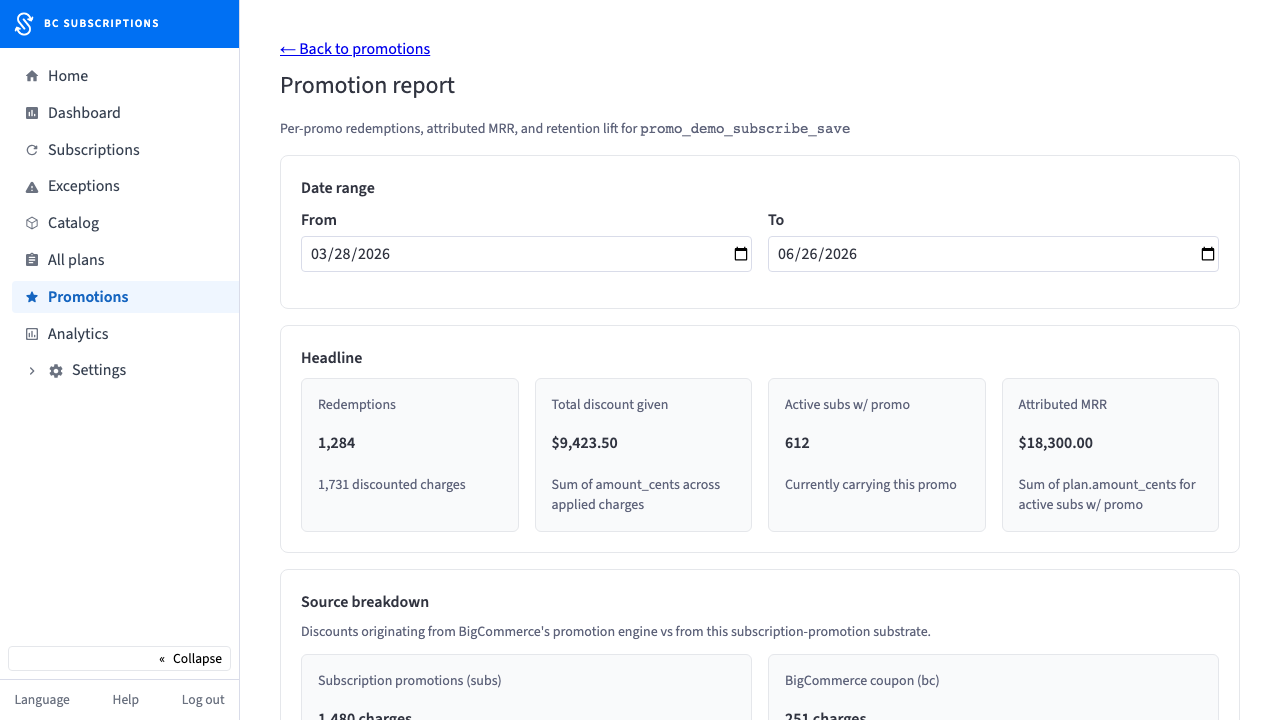 43
43