Merchant admin

· Act 4: Retain & recoverRecorded walkthrough

Exceptions — failed-charge recovery

Captured from the real, deployed UI by the test suite that proves this step — if the step had broken, this still would never have been captured. The highlighted region is the step's focus; the caption is its narration.
Step 1
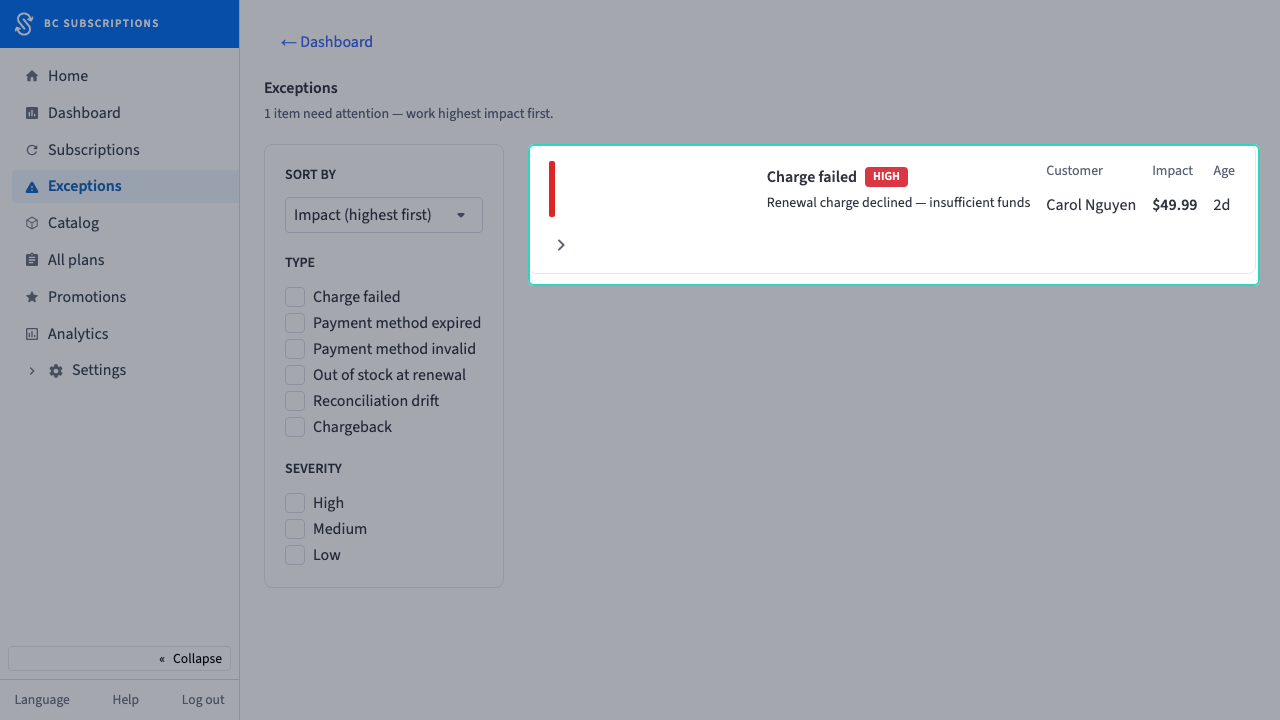
1The exception queue is the merchant’s action list — every failed renewal, triaged, with the fix one click away. A declined charge is recovered revenue if someone catches it.
Step 2
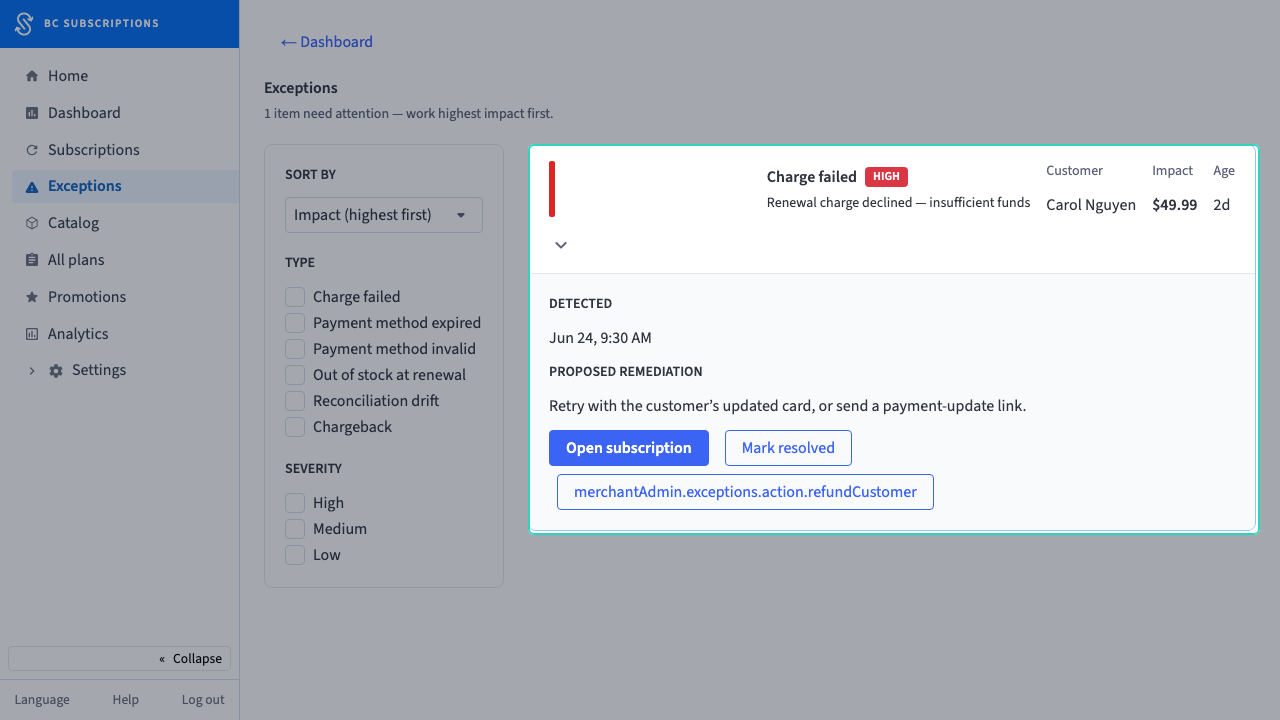
2Opening the exception shows the proposed fix — retry the card or send a payment-update link.
Step 3
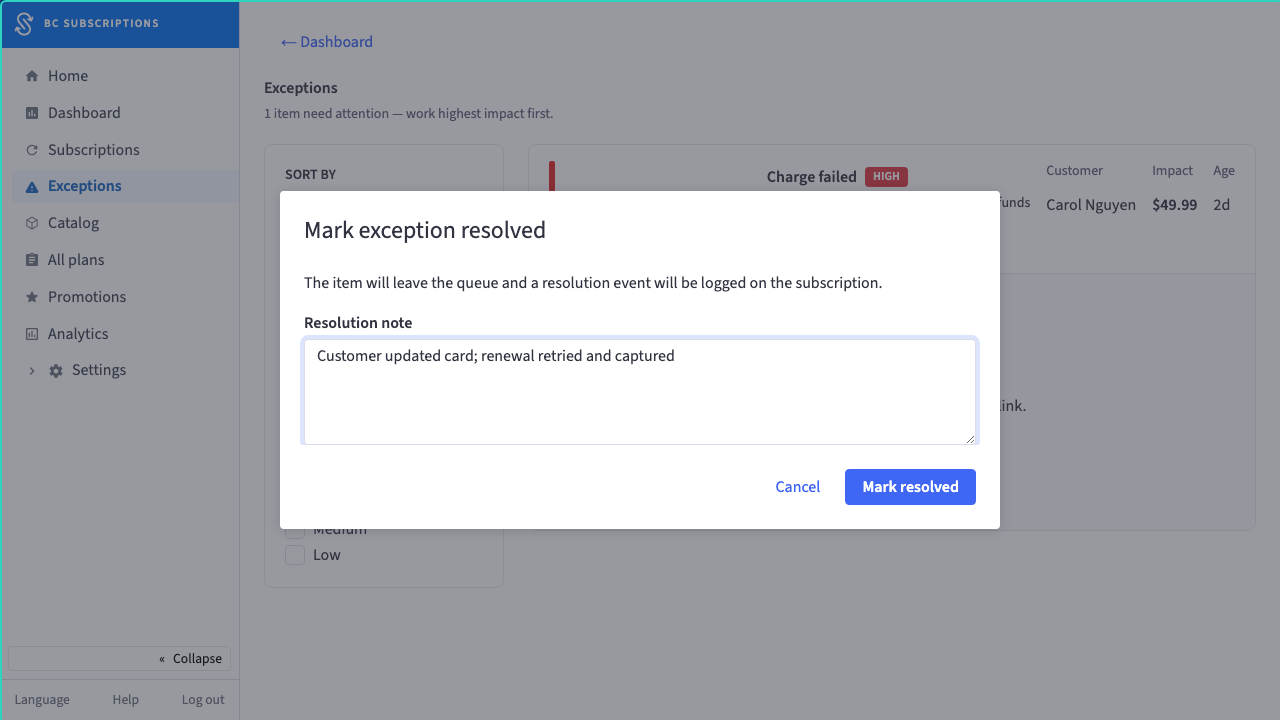
3The merchant resolves it — "Customer updated card; renewal retried and captured" — and the queue clears the moment the charge is recovered.
Step 4
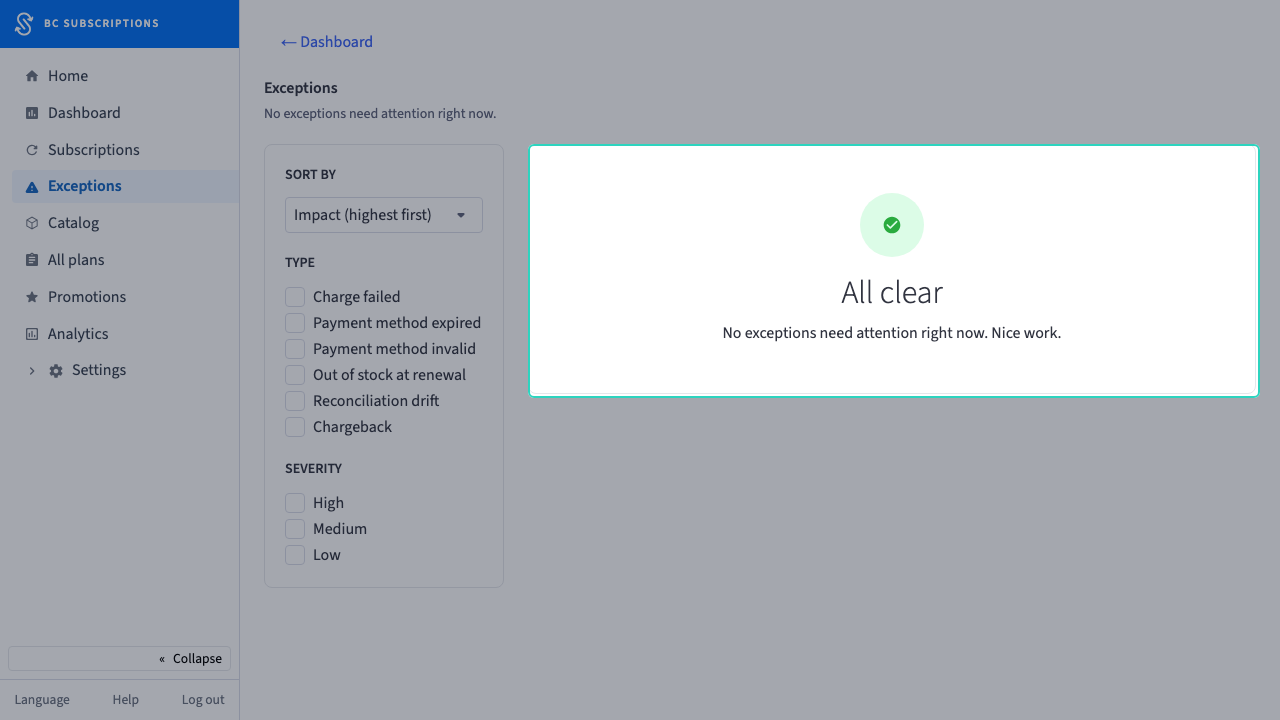
4Cleared. One pass through the queue and the recoverable revenue is back — no spreadsheet, no second tool.