Subscriber

· Act 3: A customer subscribes & self-servesRecorded walkthrough

Subscriber — manage your own subscription

Captured from the real, deployed UI by the test suite that proves this step — if the step had broken, this still would never have been captured. The highlighted region is the step's focus; the caption is its narration.
Step 1
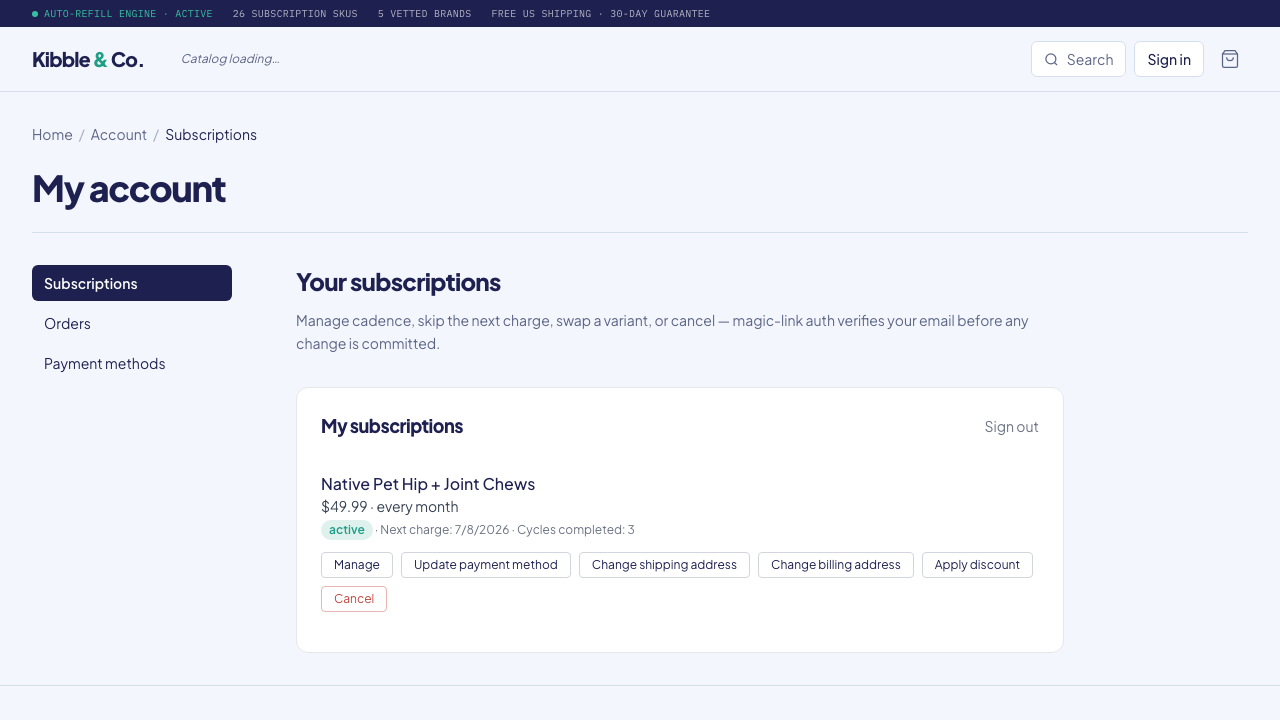
1The subscriber’s own account portal — every active subscription, self-serve, right on the storefront. No email to support.
Step 2
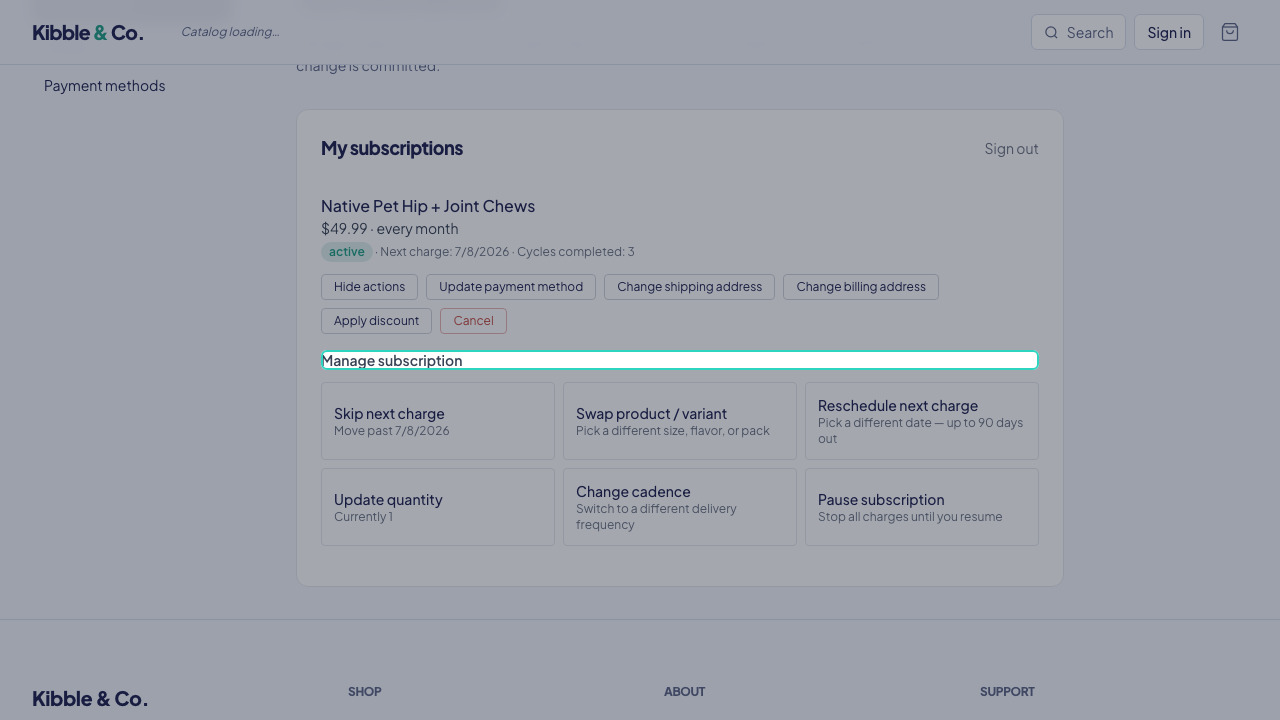
2Manage in one place — skip a delivery, pause, swap, or change the card, all without a support ticket.
Step 3
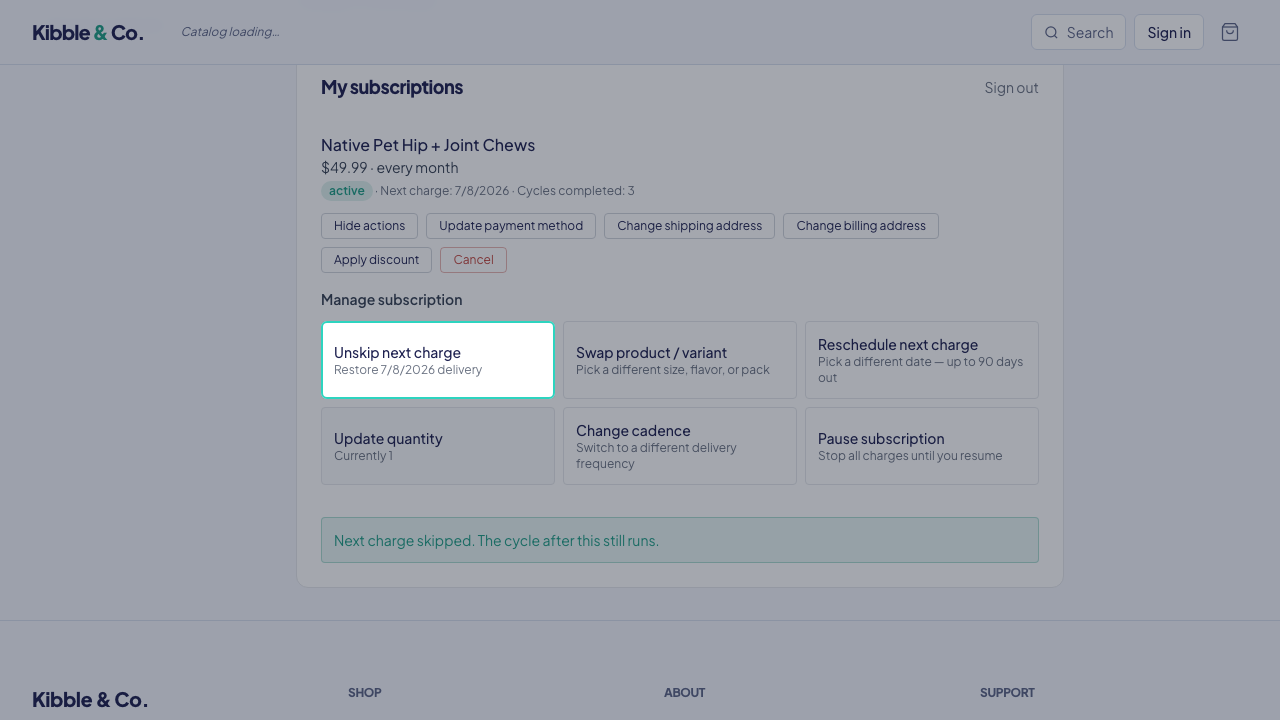
3Skip the next delivery in one click — going on vacation, overstocked, whatever. Self-serve flexibility is what keeps the subscription, instead of a cancellation.