Merchant admin

· Act 5: Run & grow the programRecorded walkthrough

CS Tools — Bulk subscription create

Captured from the real, deployed UI by the test suite that proves this step — if the step had broken, this still would never have been captured. The highlighted region is the step's focus; the caption is its narration.
Step 1
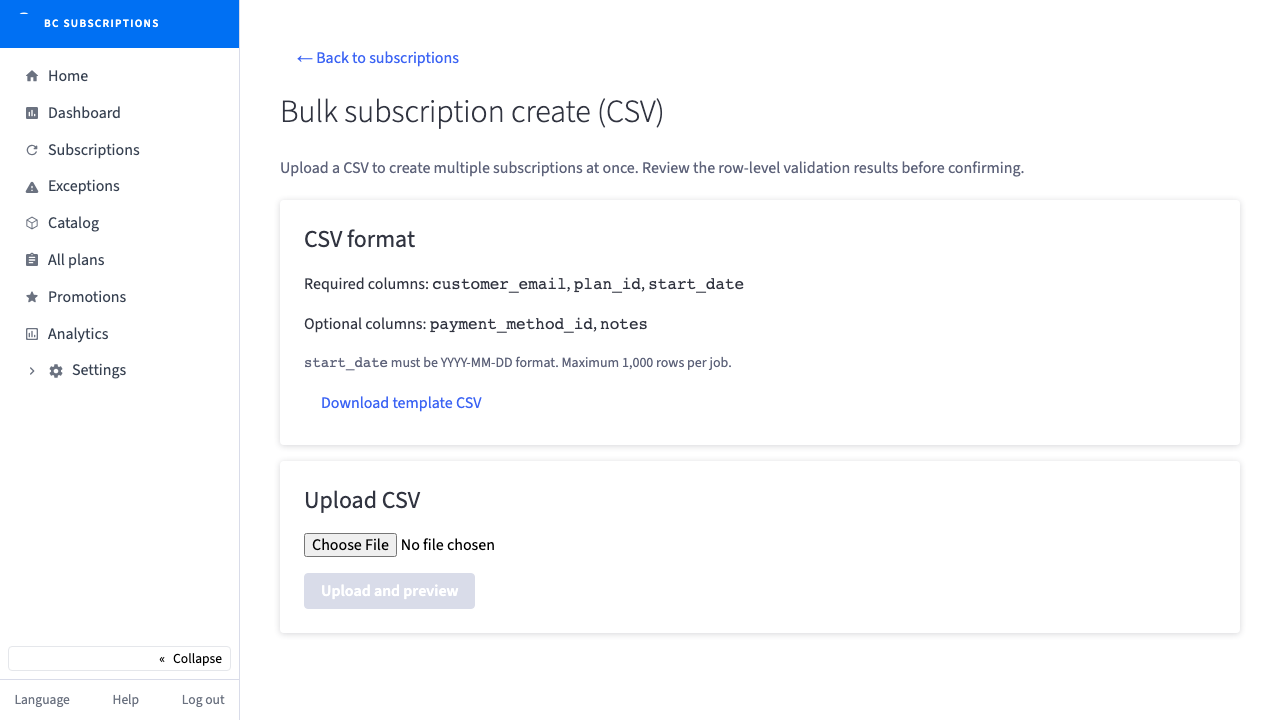
1Bulk subscription onboarding, inside the BigCommerce admin: a CS rep drops a CSV and reviews every row before a single subscription is created — no spreadsheet round-trips, no blind imports.
Step 2
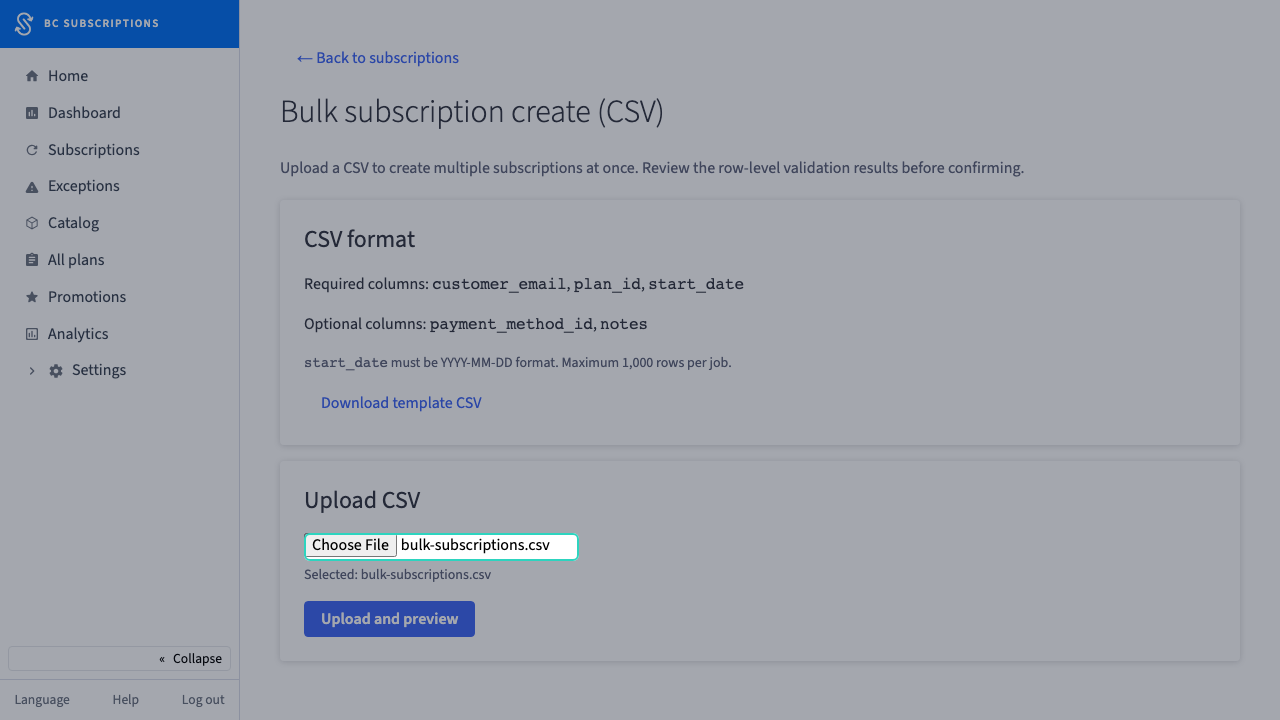
2The rep selects the CSV — two rows here: one clean, one with a malformed start date.
Step 3
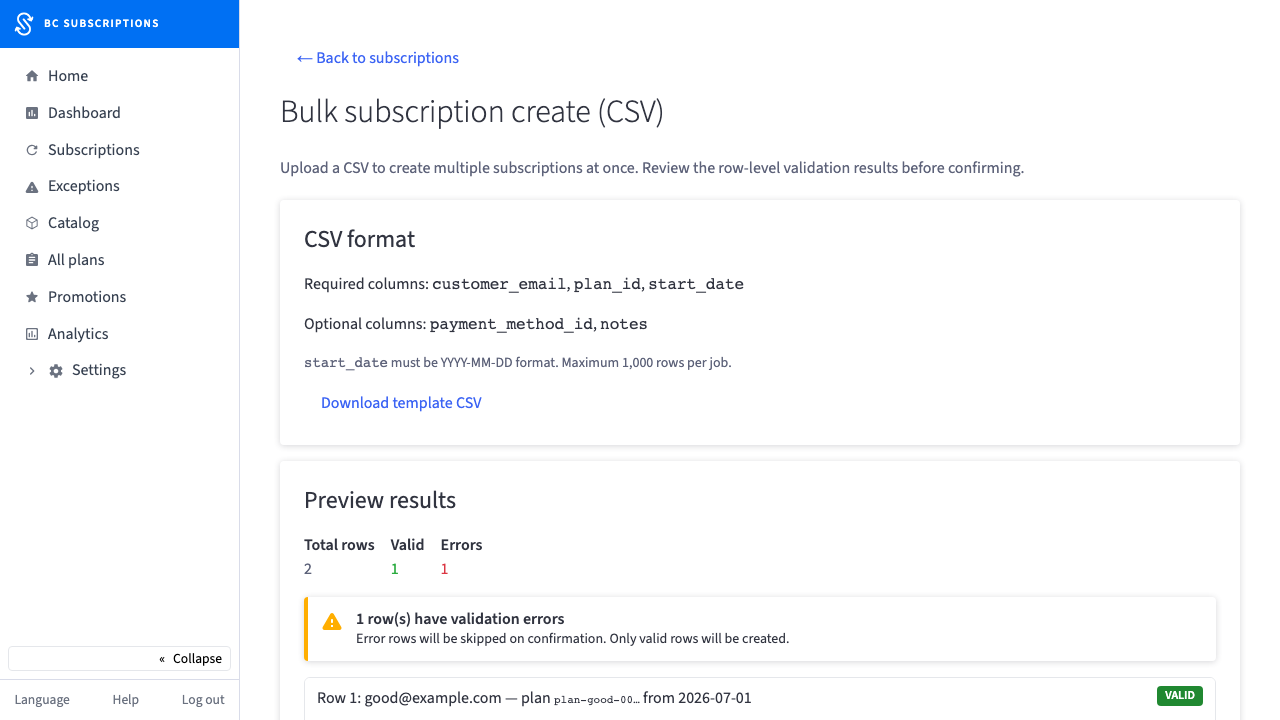
3The preview is the safety rail: one valid row, one flagged. The bad row is called out — it will be skipped, not silently imported.
Step 4
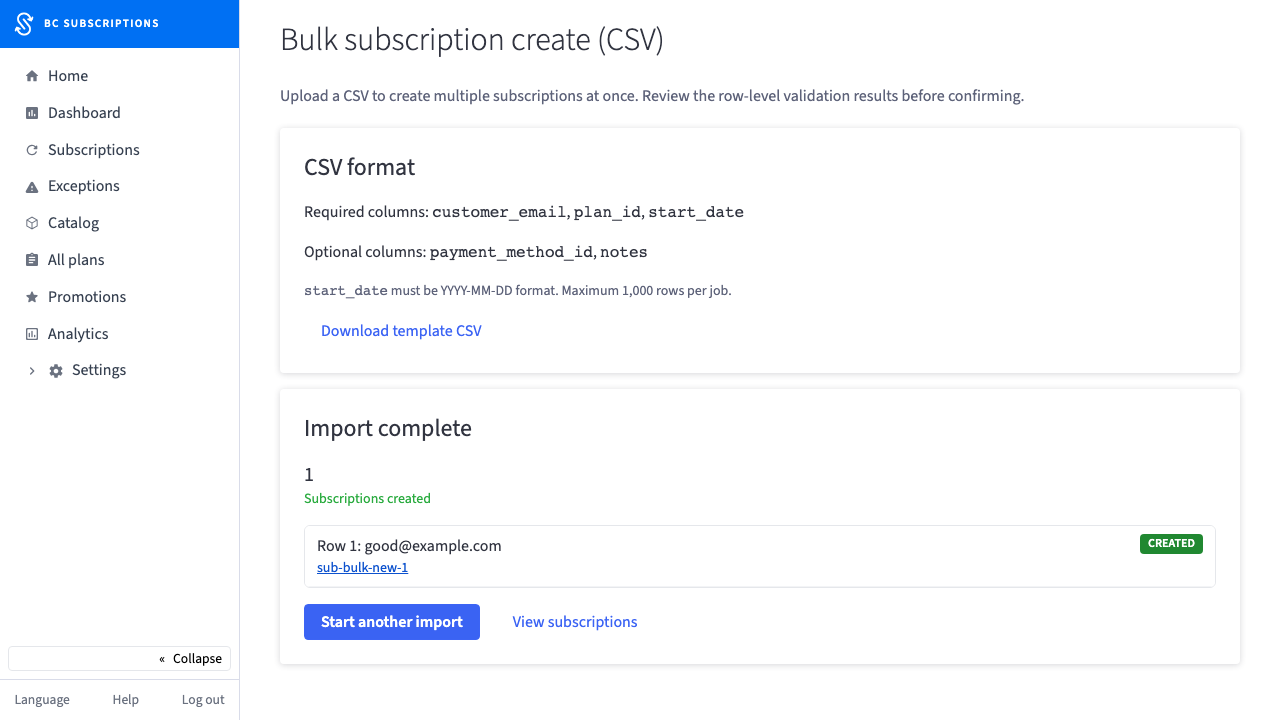
4Confirmed. The valid row is live, the flagged row was skipped, and every result links straight to its subscription — one pass, fully auditable.