Merchant admin

· Act 1: Stand up the storeRecorded walkthrough

Settings — Store Notifications

Captured from the real, deployed UI by the test suite that proves this step — if the step had broken, this still would never have been captured. The highlighted region is the step's focus; the caption is its narration.
Step 1
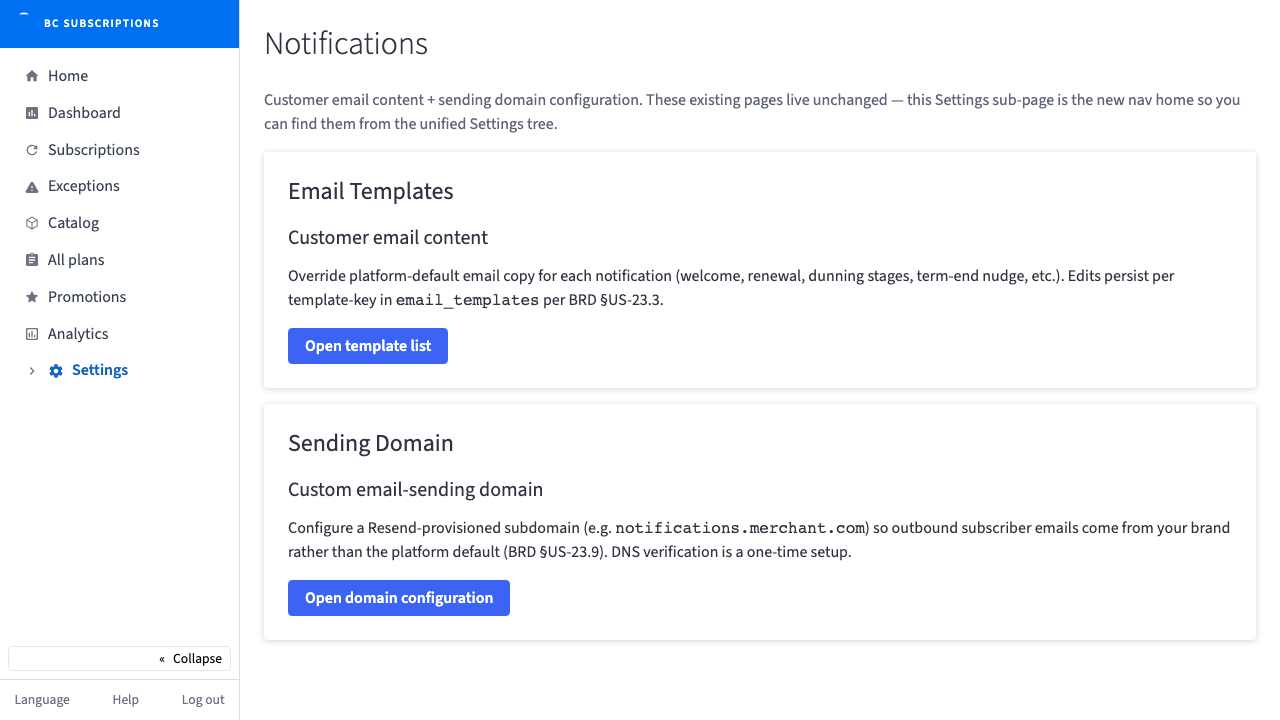
1Notifications now has a home in the unified Settings tree — the customer email content and the sending domain, both reachable from one place without losing the existing deep links.
Step 2
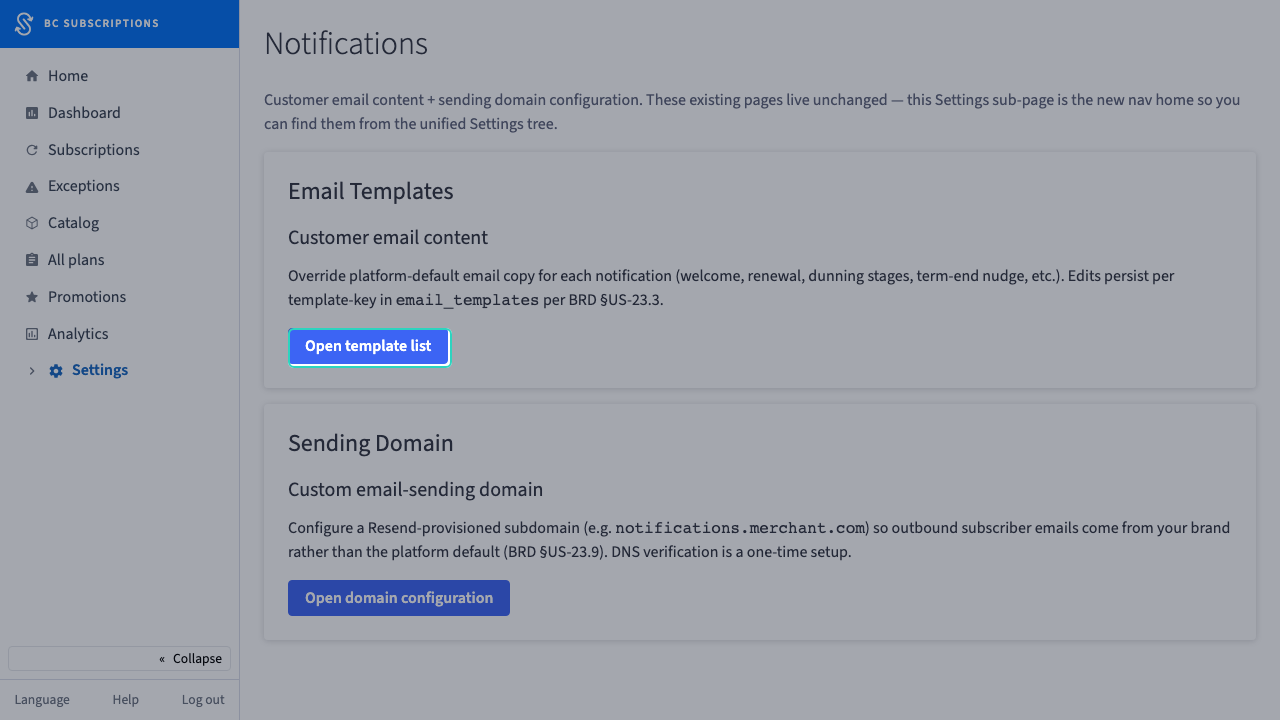
2Email Templates — override the platform-default copy per notification (welcome, renewal, dunning, term-end nudge). The editor itself stays where it lives; this is just the front door.
Step 3
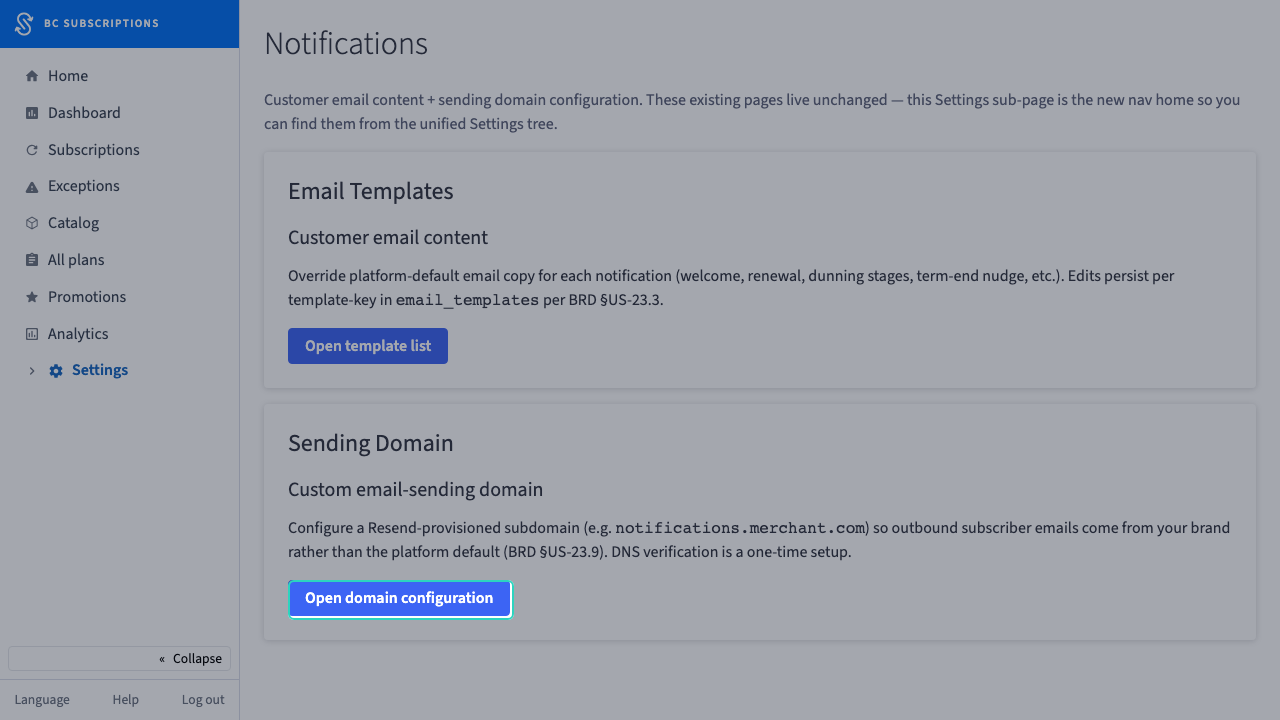
3Sending Domain — point outbound subscriber email at your own brand subdomain instead of the platform default. DNS verification is a one-time setup.