Merchant admin

· Act 4: Retain & recoverRecorded walkthrough

Email — template editor

Captured from the real, deployed UI by the test suite that proves this step — if the step had broken, this still would never have been captured. The highlighted region is the step's focus; the caption is its narration.
Step 1
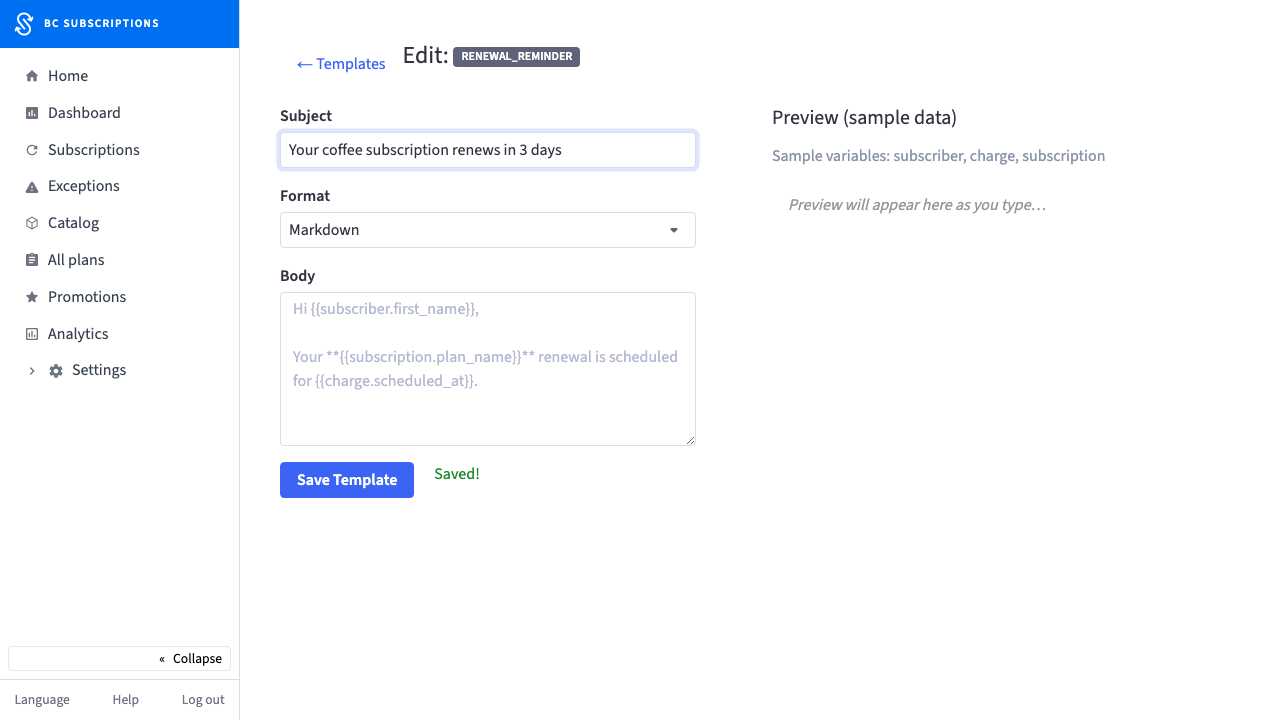
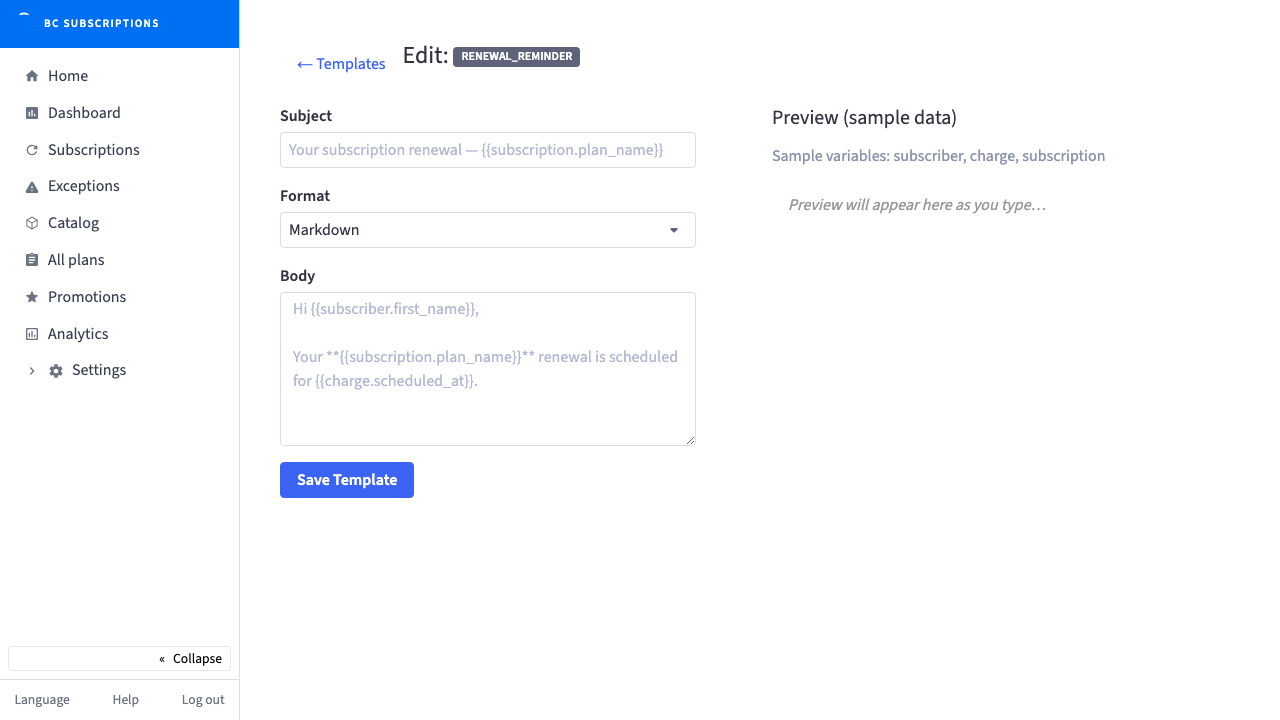
1The template editor: subject and markdown body on the left, a live sample-data preview on the right, so the merchant sees the exact email before it ever sends.
Step 2
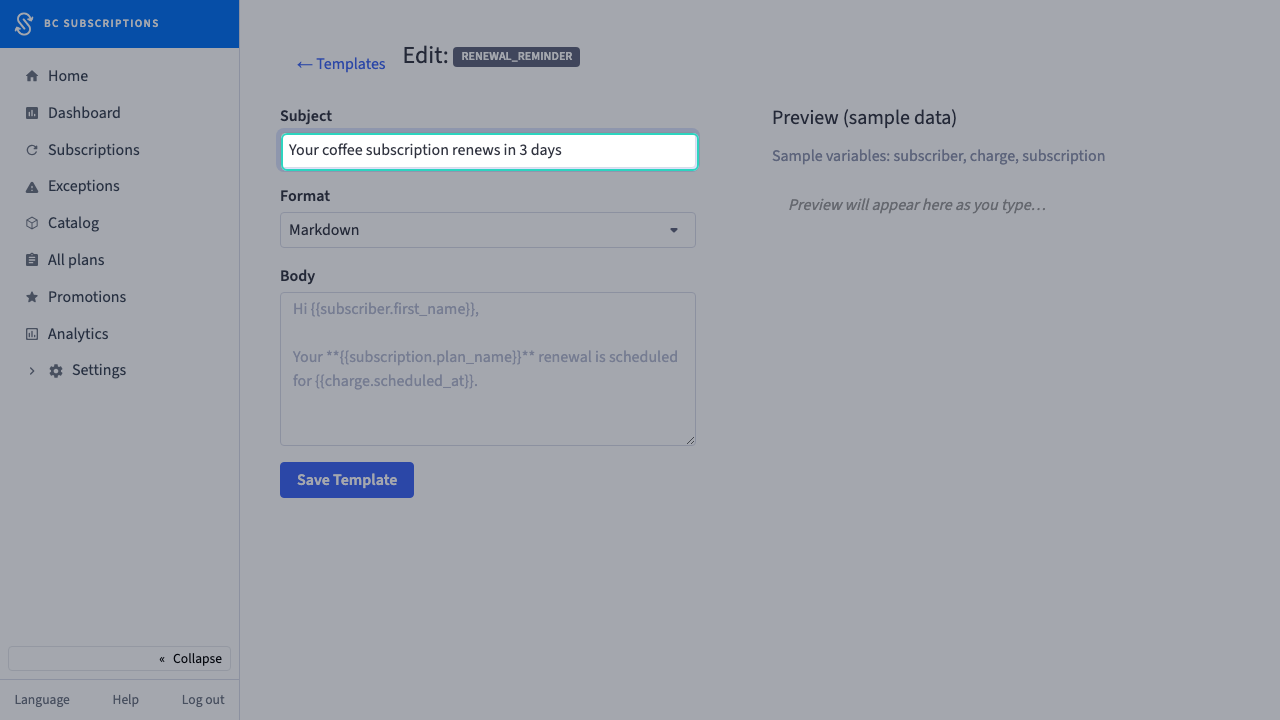
2The merchant rewrites the subject line — "Your coffee subscription renews in 3 days".
Step 3
3Saved. The merchant’s wording is now the store’s template — it replaces the built-in default on the next send.