Merchant admin

· Act 4: Retain & recoverRecorded walkthrough

Email — custom sending domain

Captured from the real, deployed UI by the test suite that proves this step — if the step had broken, this still would never have been captured. The highlighted region is the step's focus; the caption is its narration.
Step 1
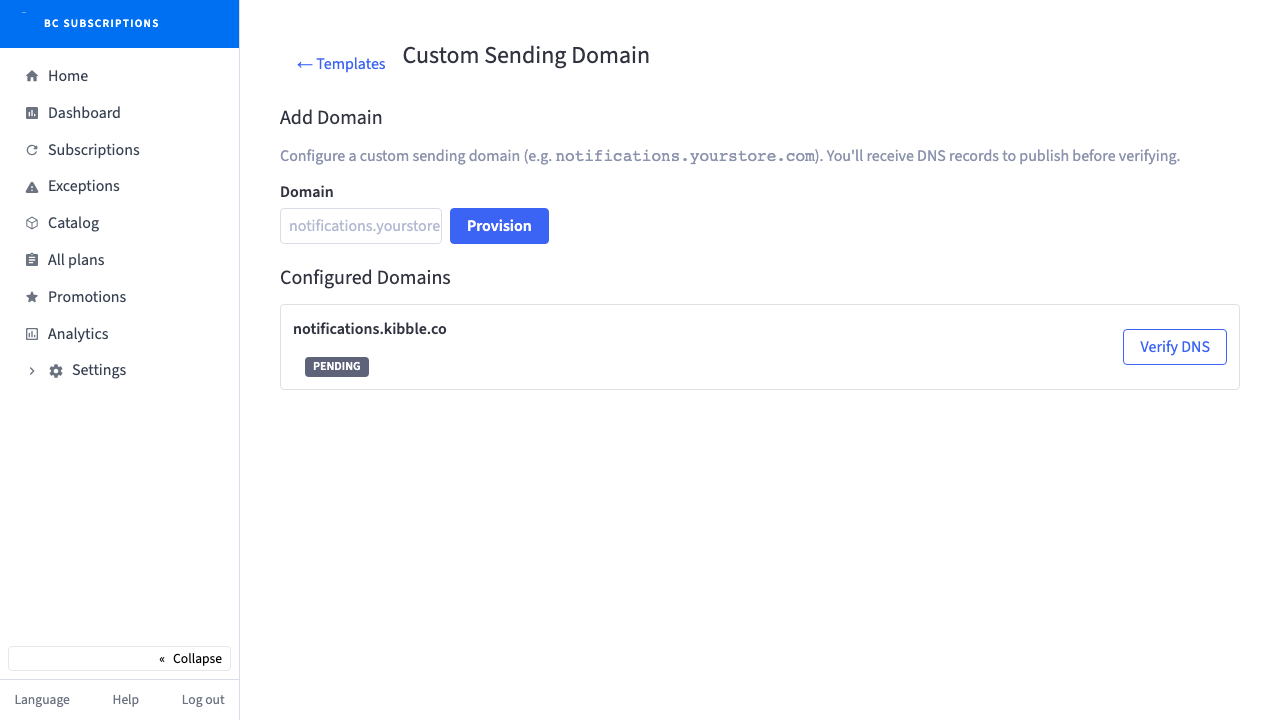
1Subscription email lands in the inbox only if it is authenticated — this is where the merchant brings their own sending domain and gets the exact DKIM record to publish.
Step 2
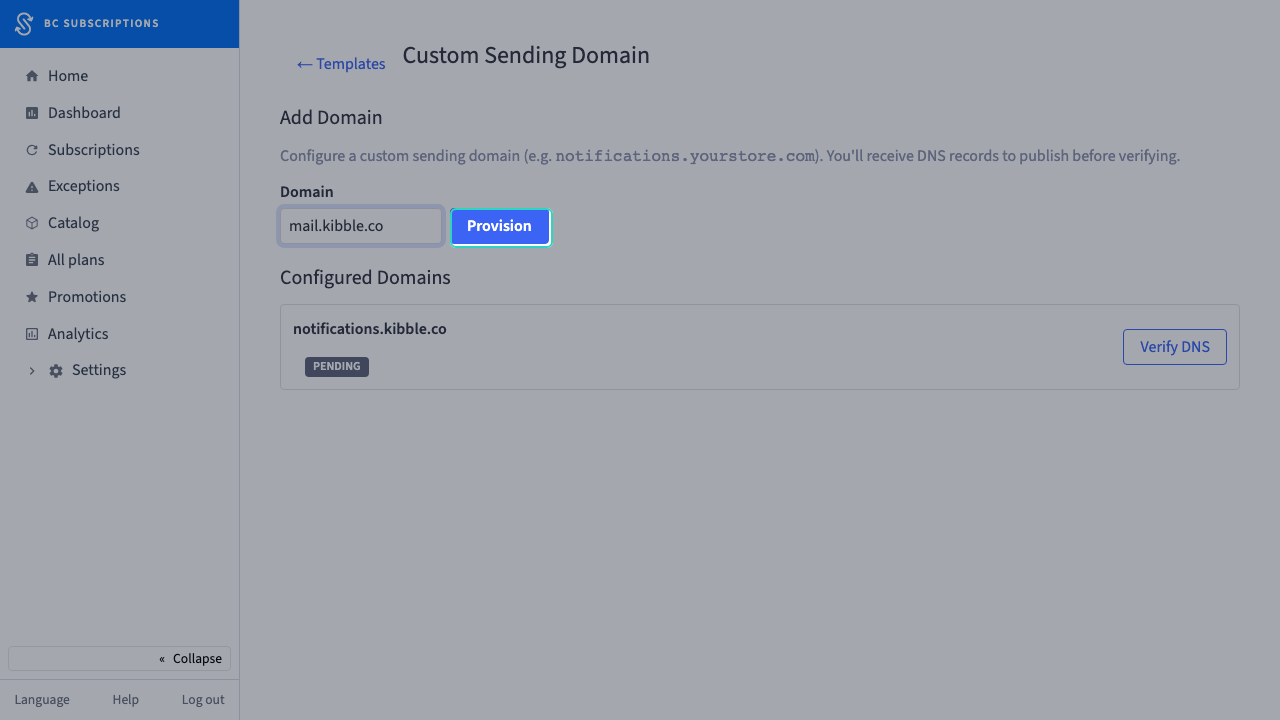
2The merchant adds "mail.kibble.co" as a sending domain.
Step 3
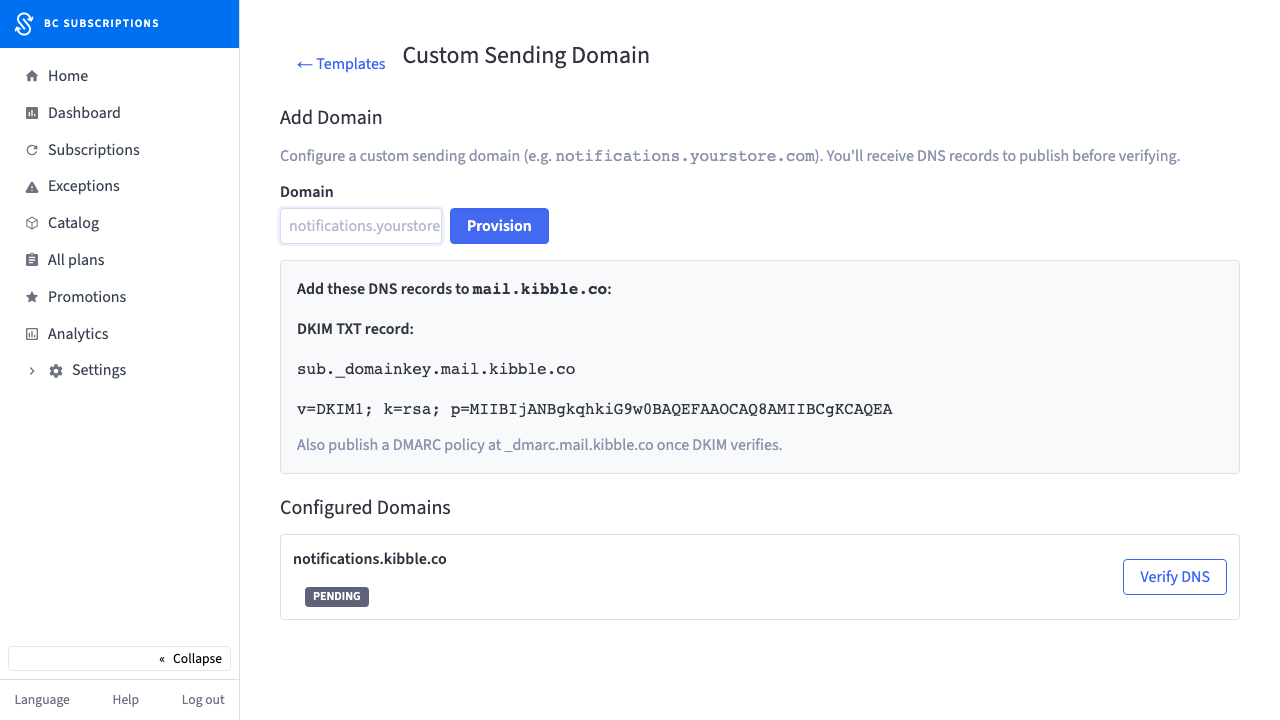
3Provisioned — here is the DKIM TXT record to publish. Once it propagates, every renewal notice sends from the merchant’s own domain, fully authenticated.