Merchant admin

· Act 2: Put subscriptions on the catalogRecorded walkthrough

Combined shipments — attribution detail

Captured from the real, deployed UI by the test suite that proves this step — if the step had broken, this still would never have been captured. The highlighted region is the step's focus; the caption is its narration.
Step 1
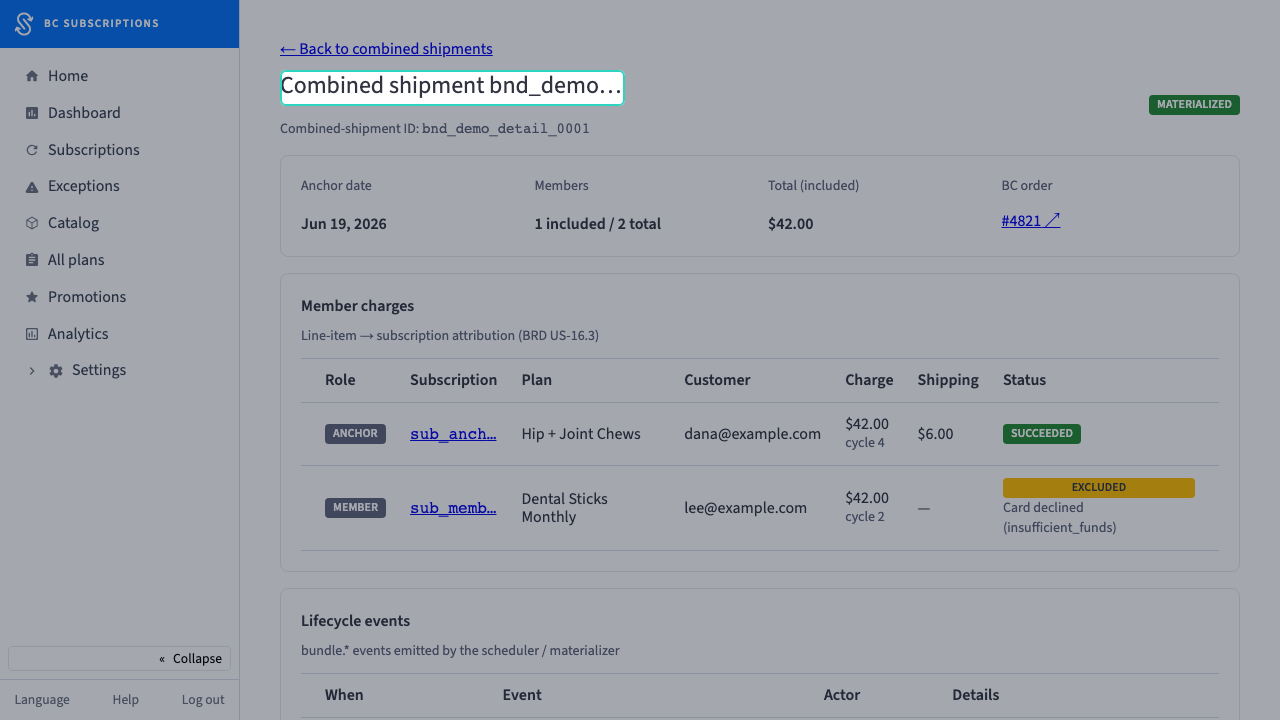
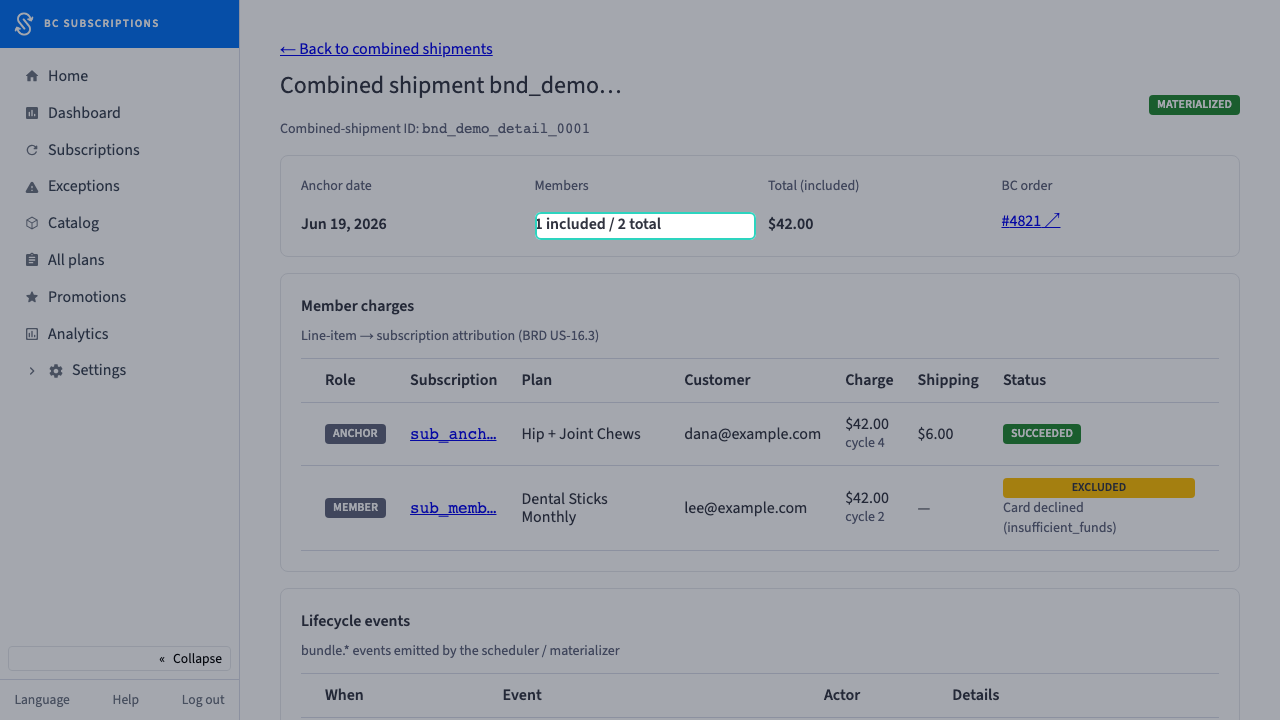
1Inside a single combined shipment: status, anchor date, included-versus-total members, and the order total — the header a fulfillment lead reads first.
Step 2
2One of two member charges made it into the order — the Members stat shows the split before the merchant scrolls a single row.
Step 3
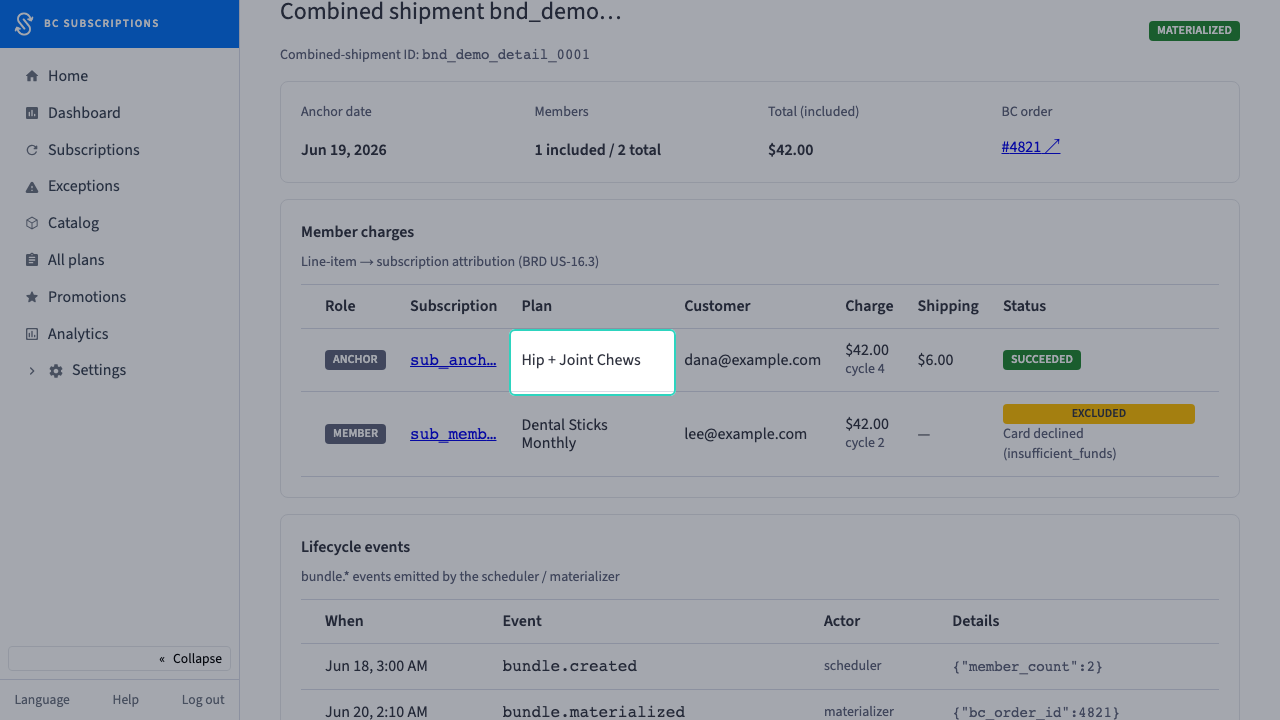
3In the member-charges table, every line item is attributed back to its subscription, plan, and customer — the answer to "whose renewal is this charge, and for what plan?"
Step 4
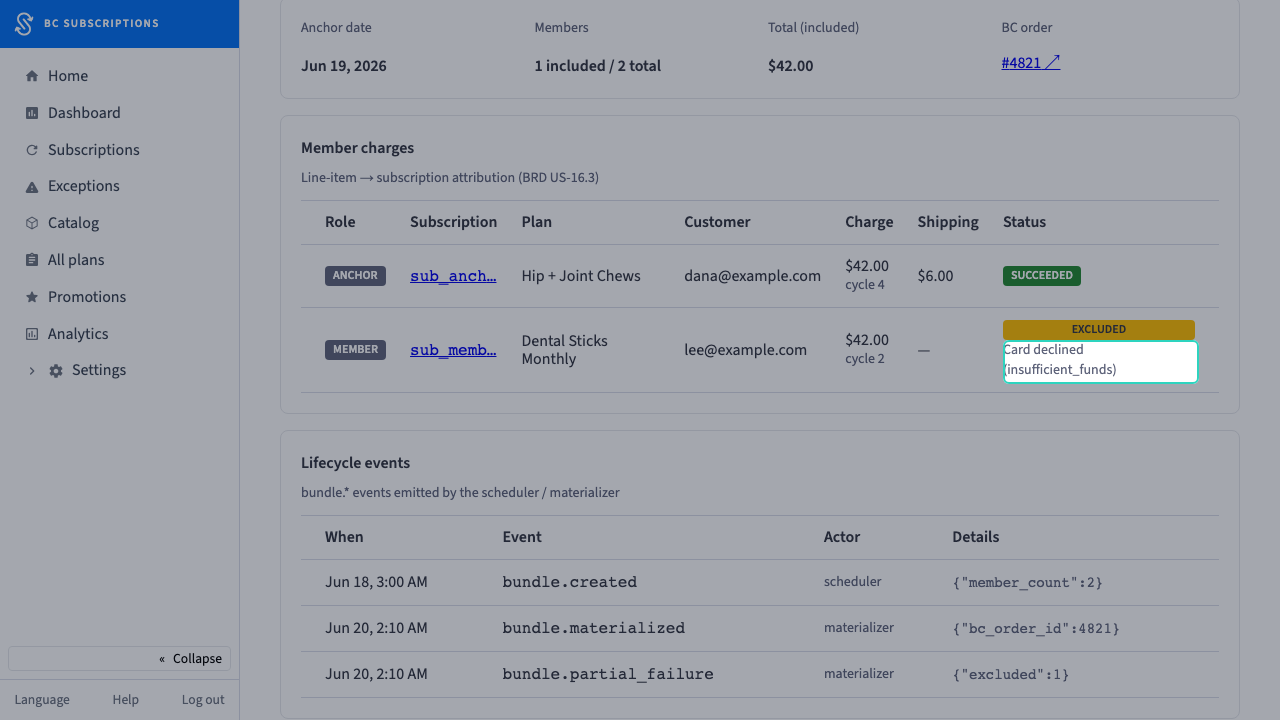
4The charge that fell out of the box is marked excluded with the exact decline reason — no silent drop, the merchant knows why the bundle is short one.
Step 5
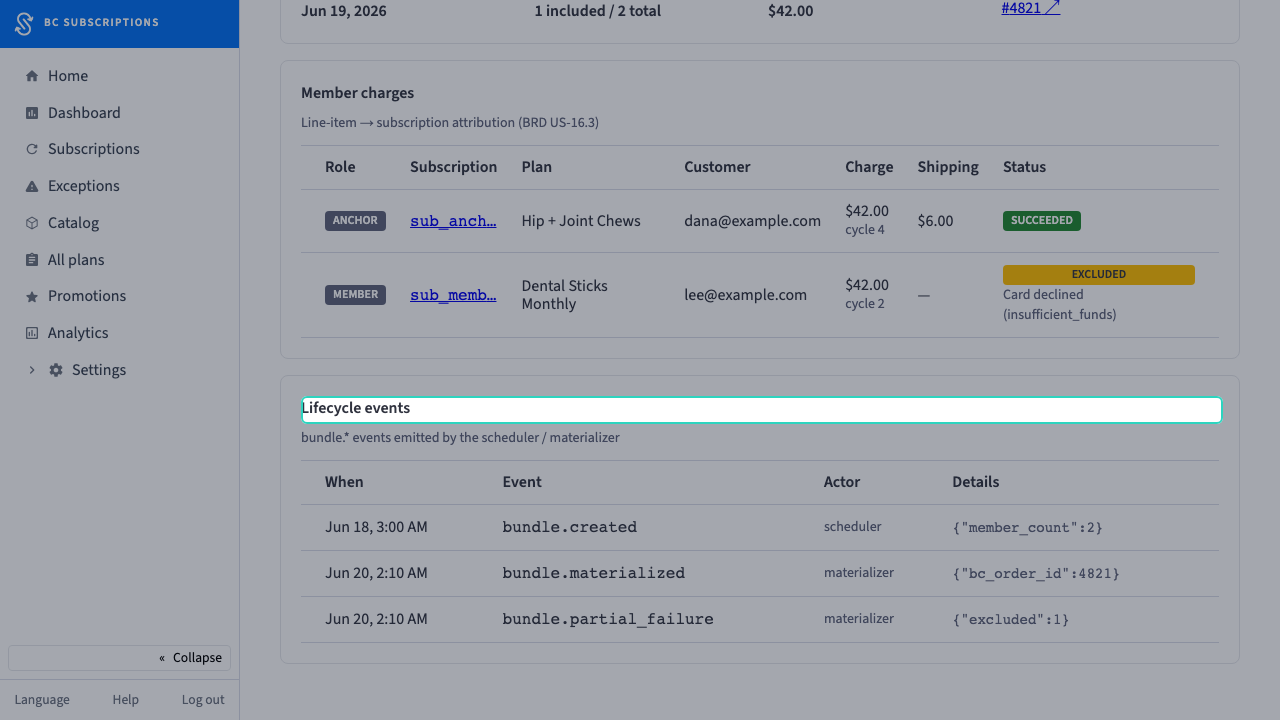
5The lifecycle trail — created, materialized, partial-failure — is right on the page, so the bundle's history is auditable without leaving the admin.