‹ All walkthroughsStep 15 of 43
Merchant admin
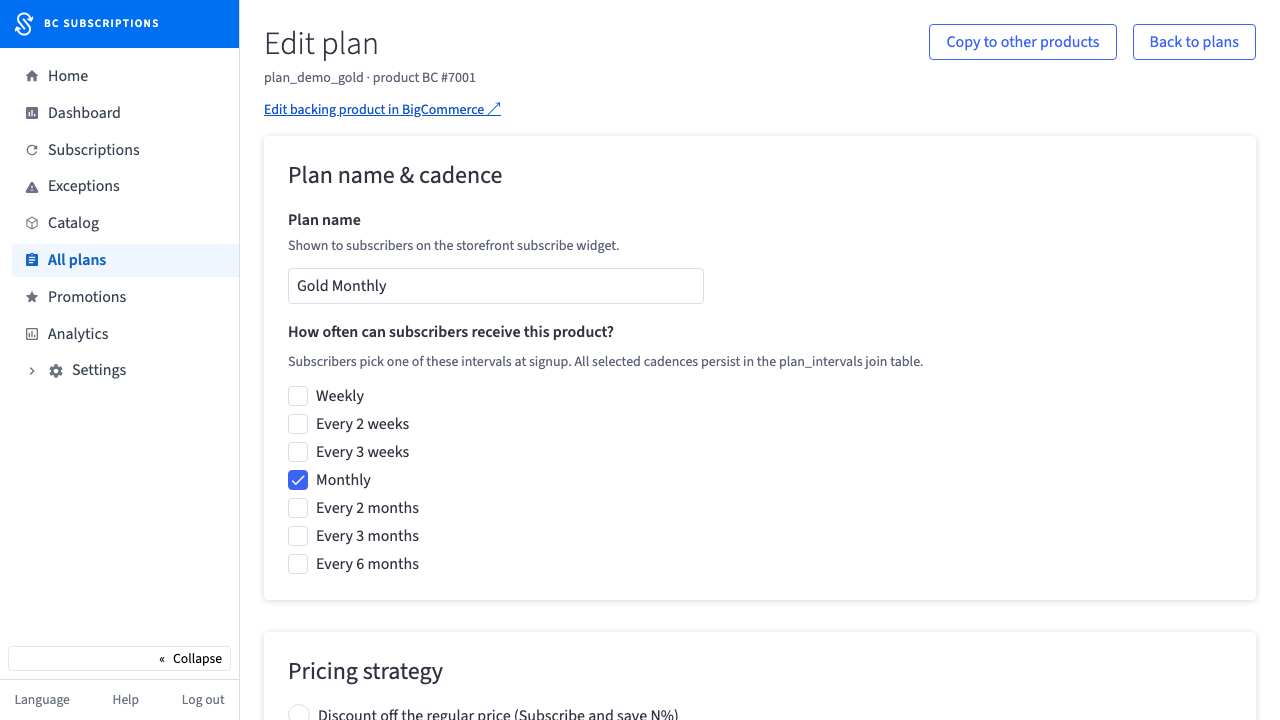
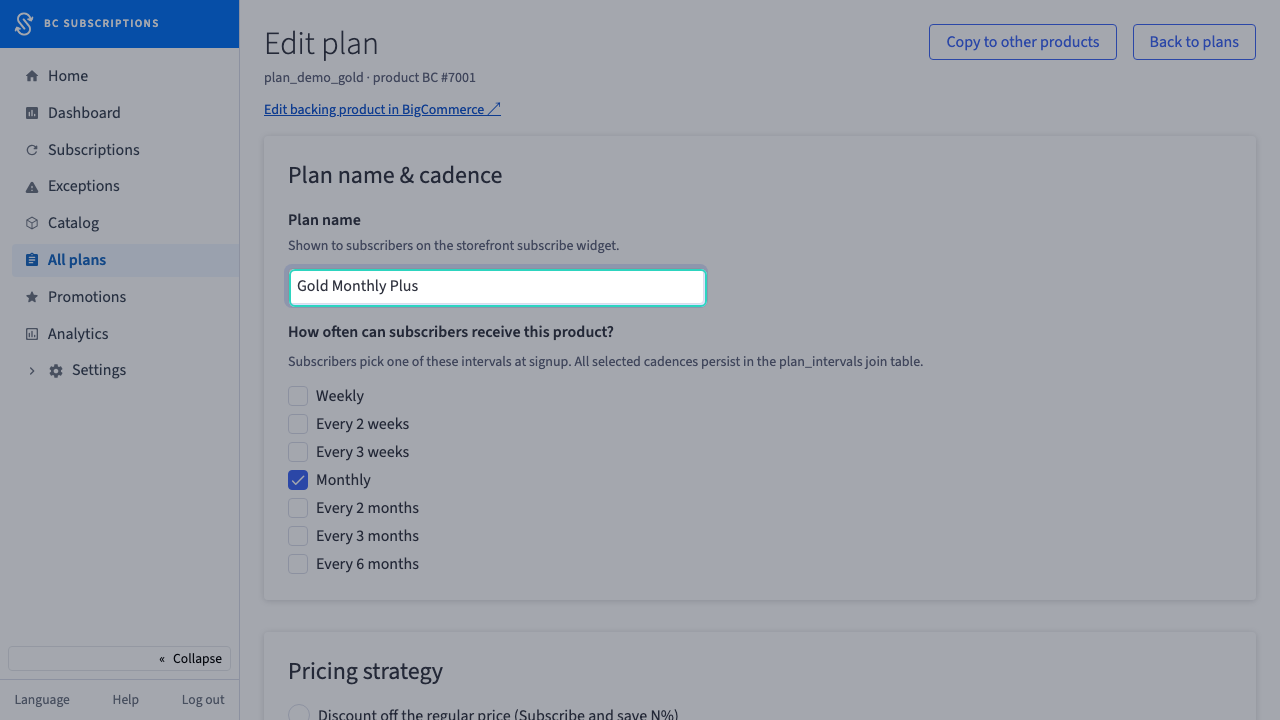
· Act 2: Put subscriptions on the catalogRecorded walkthroughPlan editor — edit and save a plan
Captured from the real, deployed UI by the test suite that proves this step — if the step had broken, this still would never have been captured. The highlighted region is the step's focus; the caption is its narration.